
What Makes Our Audio Transcription Tool Stand Out?
Get more from audio transcription with accurate text, speaker labels, multilingual support, and flexible exports. Sign in for 240 minutes of free audio and video transcription daily.
Fast and Accurate Audio Transcription
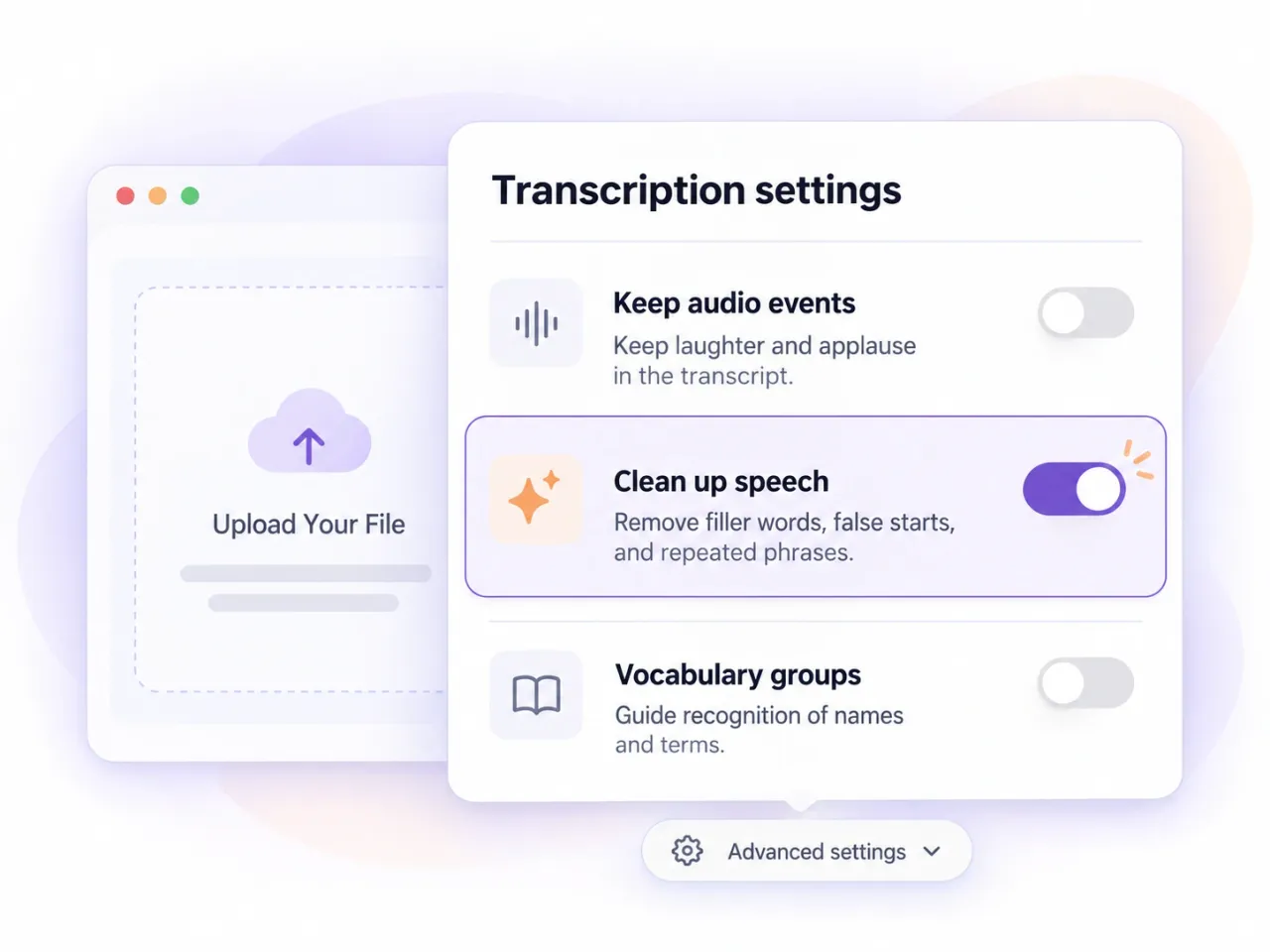
Get fast audio transcription with up to 99% accuracy on clear recordings. Use Vocabulary Groups to guide recognition of names and terms, and Clean Up Speech to remove fillers and repeated phrases.
Speaker Recognition and Timestamps
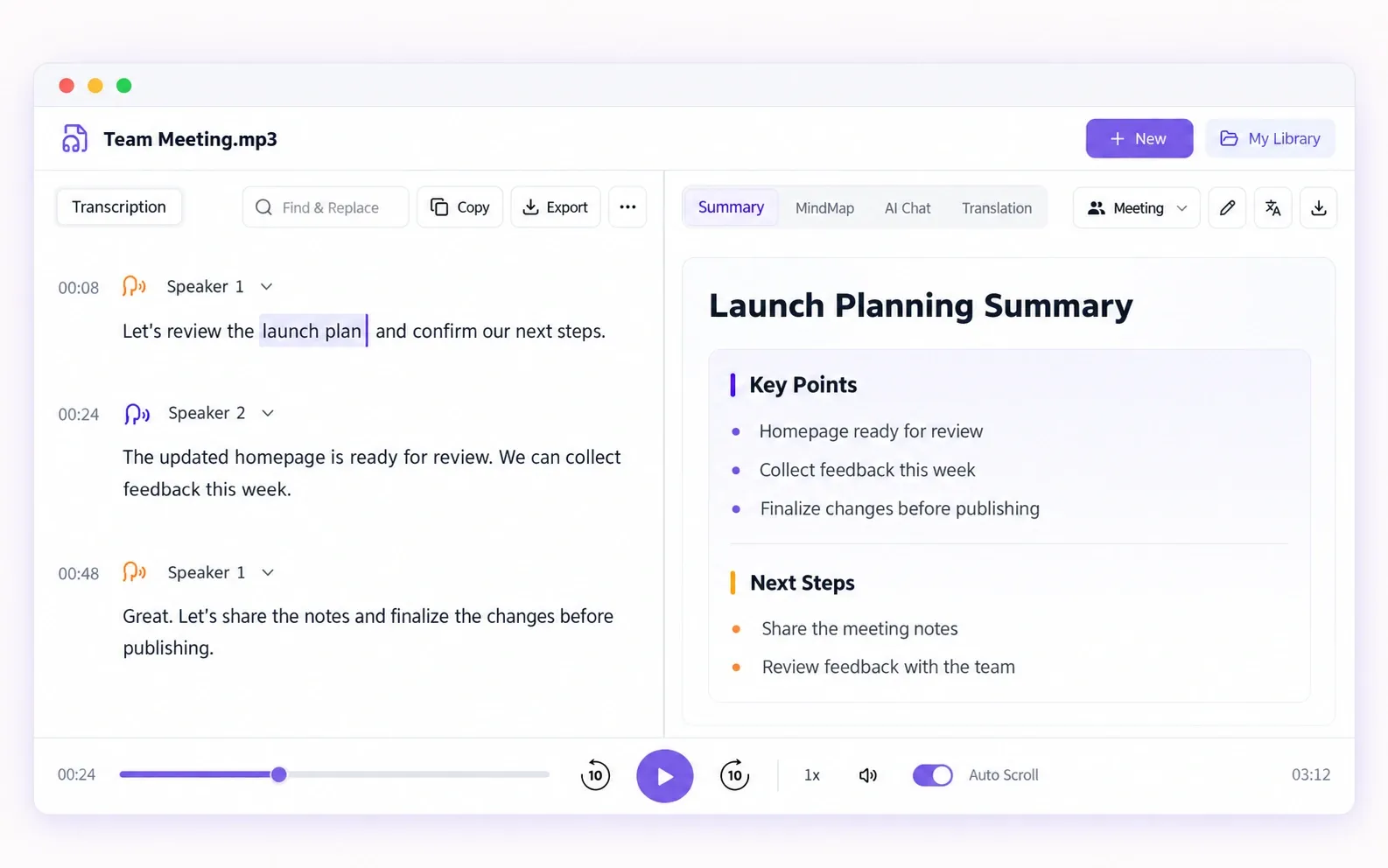
Identify different speakers and follow their contributions with speaker labels. Use timestamps to find key moments and check transcript details against the original recording.
Transcription in 90+ Languages
Transcribe audio in 90+ languages, including English, Spanish, and Mandarin. Translate your transcript into a supported language for easier review and sharing.
Free and Easy to Use
Get 60 one-time free credits without signing in. Each file can be up to 10 hours. Standard transcription costs 1 credit/minute, or 2 with speaker labels; advanced mode costs 3 credits/minute. Sign in for 240 free credits daily.
Transcript and Subtitle Exports
Export your transcript as a Word or PDF document for notes, reports, and sharing. Download SRT or VTT subtitle files to add captions to your videos.
Private and Secure Processing
Your uploaded files are encrypted and used to provide the transcription service, without being shared with other users or used for unrelated purposes.
An Audio Transcription Workspace That Puts You in Control
Review and edit your audio transcription alongside the recording, using speaker labels and timestamps to check important details. Translate the text, choose an AI summary style, explore a mind map, or ask questions about your recording—all in one workspace. Export your transcript or subtitles when you’re ready.
Transcribe Audio in 3 Easy Steps
Complete your audio transcription in three simple steps: add a recording, generate your transcript, then review and export the results.
Upload a File or Paste a Link
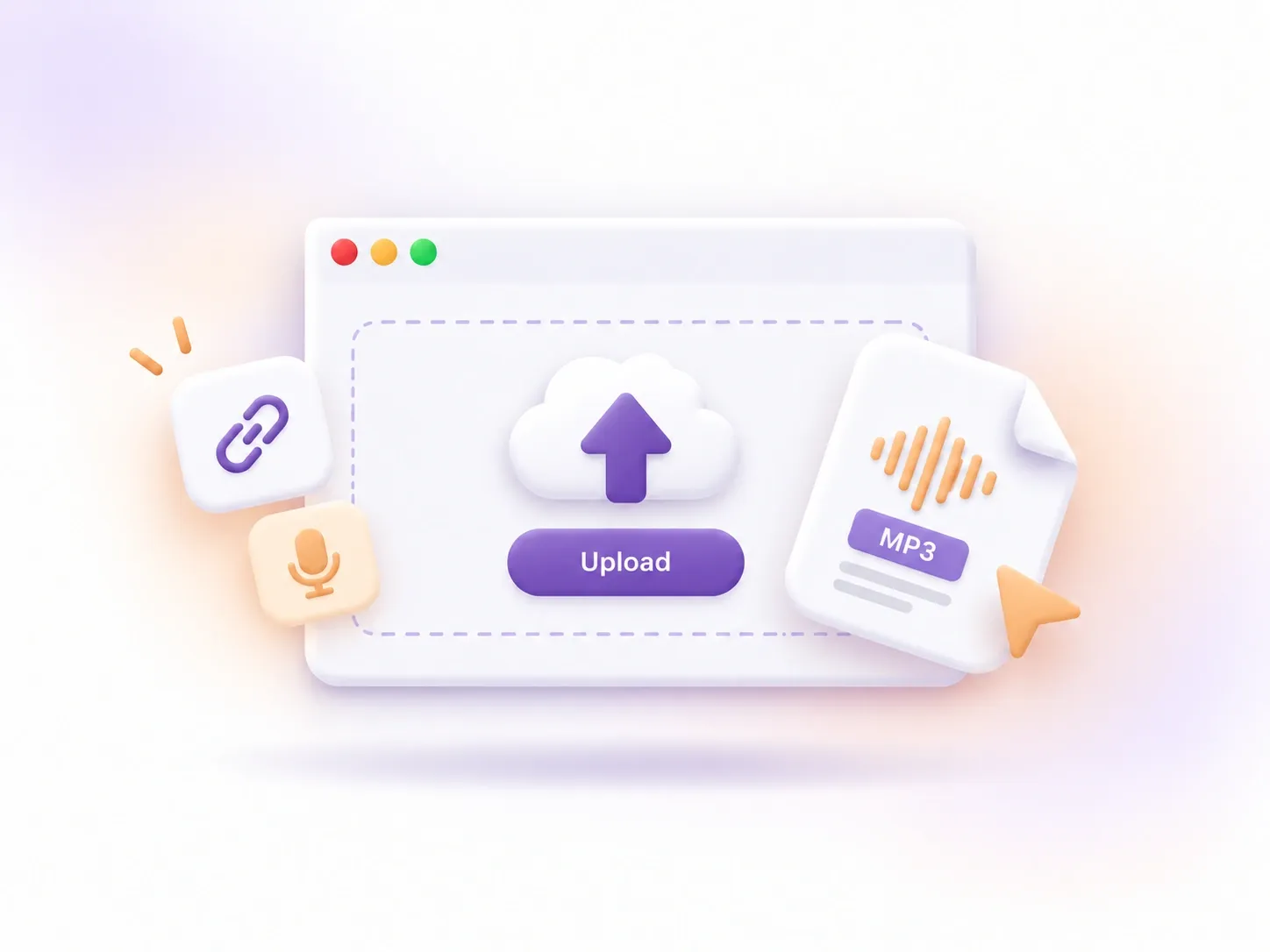
Upload an audio or video file, paste a supported link, or record audio online. Choose the input method that works for you.
Generate Your Transcript
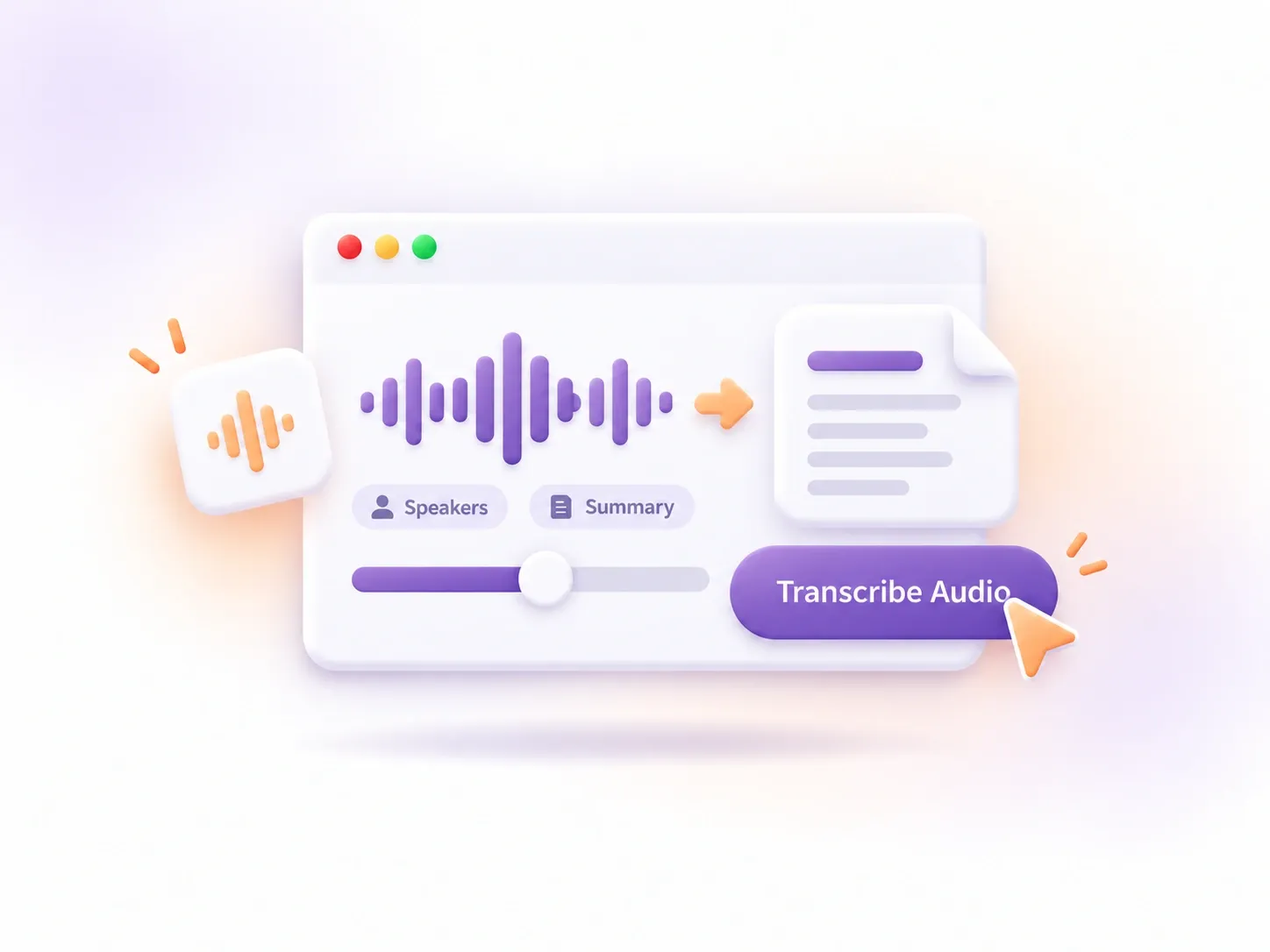
Keep the default settings or adjust speaker recognition and summary style to suit your recording. Then click Transcribe Audio to generate your transcript.
Review and Export Your Results
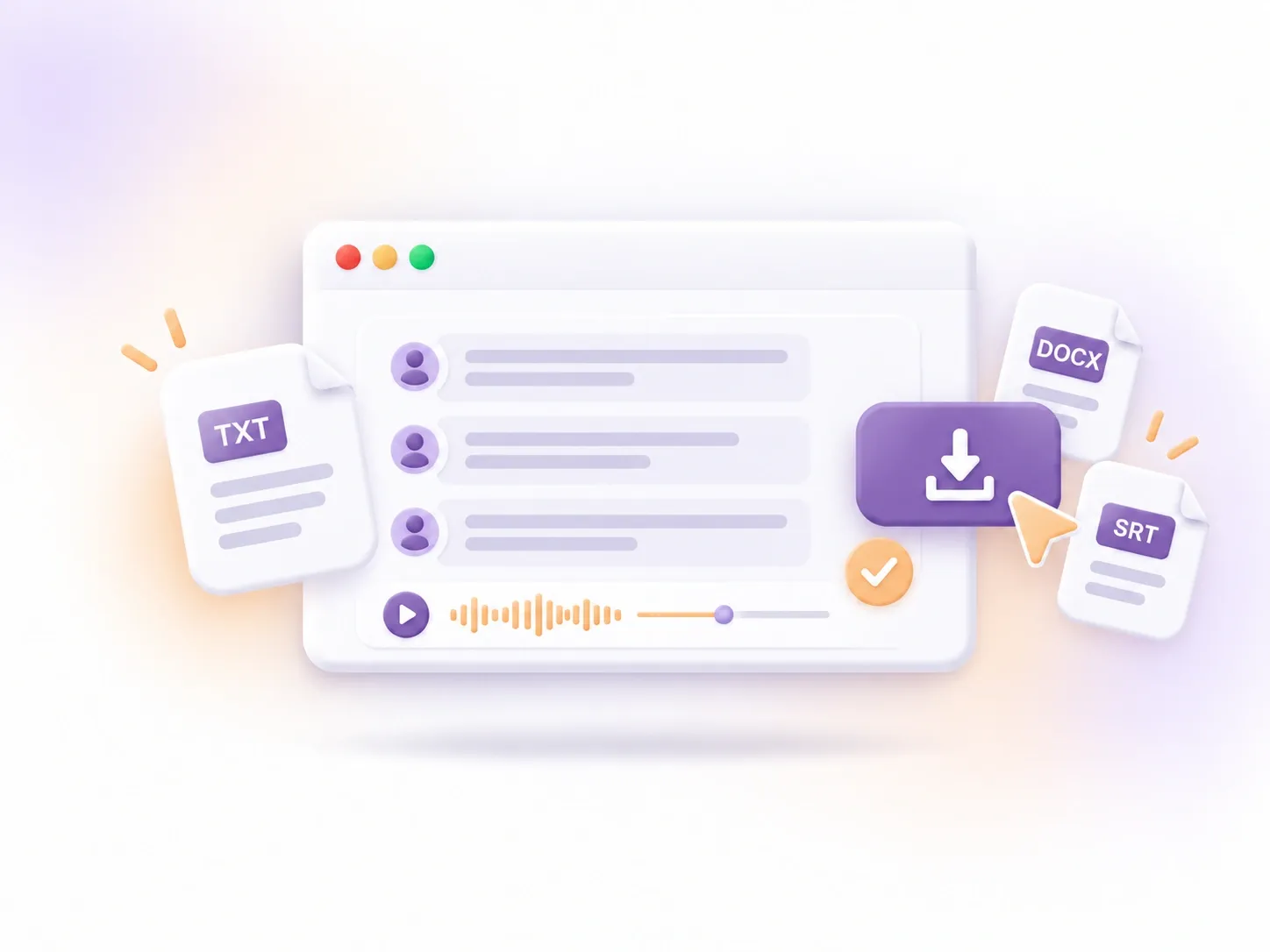
Review your transcript, make any edits, and download text or subtitles. If you need more, explore AI summaries, mind maps, translation, or ask AI Chat questions about your recording.
More Accurate Audio Transcription, Your Way
Get clearer text with less manual cleanup. Use Vocabulary Groups to help AI recognize names and specialist terms, Clean Up Speech to remove fillers and repetitions, and Keep Audio Events to retain laughter and applause—so your audio transcription is easier to read, review, and reuse. Enable the options you need before transcribing.
Audio Transcription with AI Summaries and Insights
Get more from your audio transcription with summaries tailored to your task, visual mind maps, and AI answers based on your recording.
Create Summaries for Different Tasks
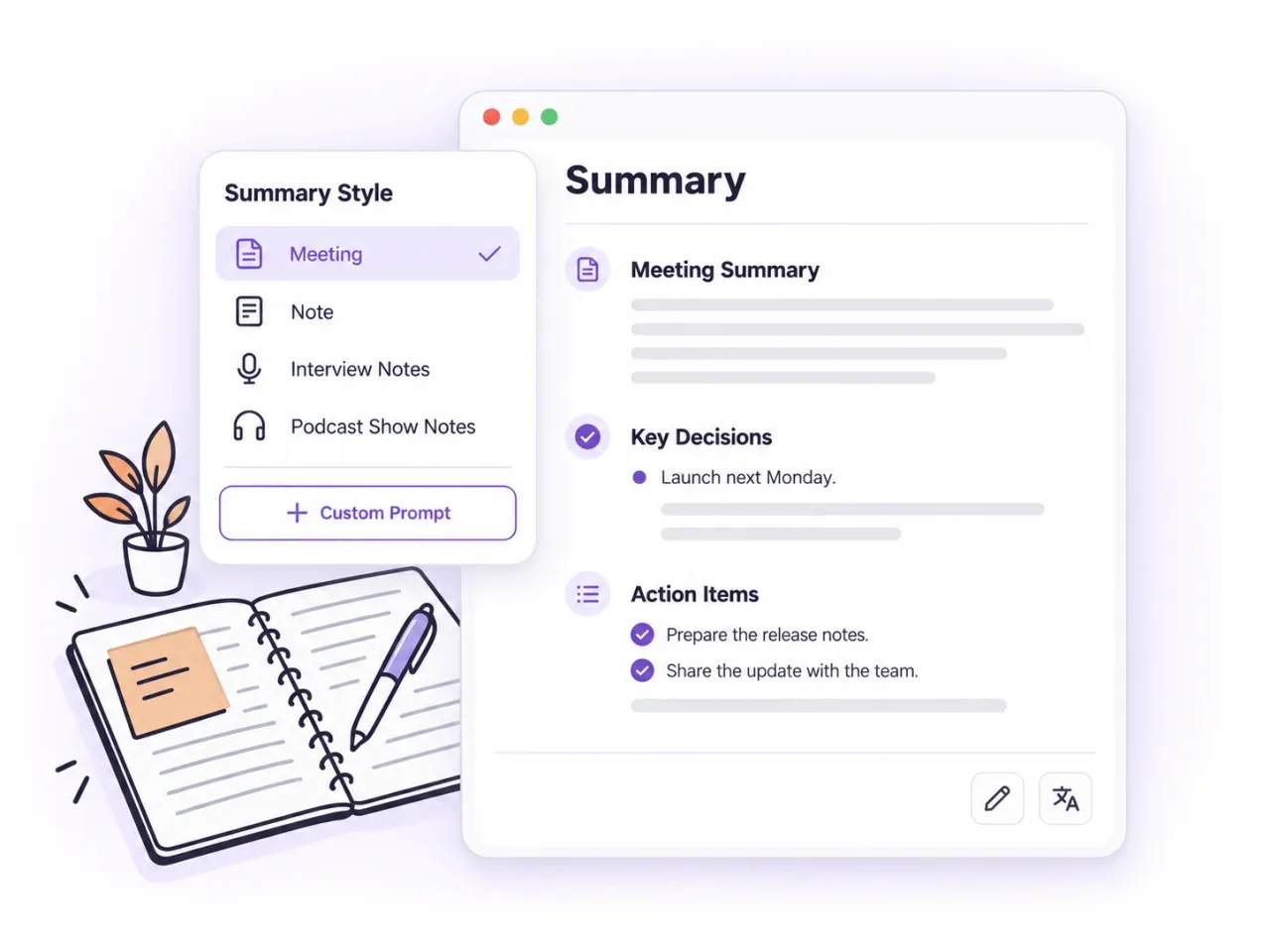
Choose from 16 summary styles, including Meeting, Note, Interview Notes, and Podcast Show Notes. Add a custom prompt to guide the structure and focus, then edit or translate the generated summary to suit your needs.
Organize Key Ideas with a Mind Map
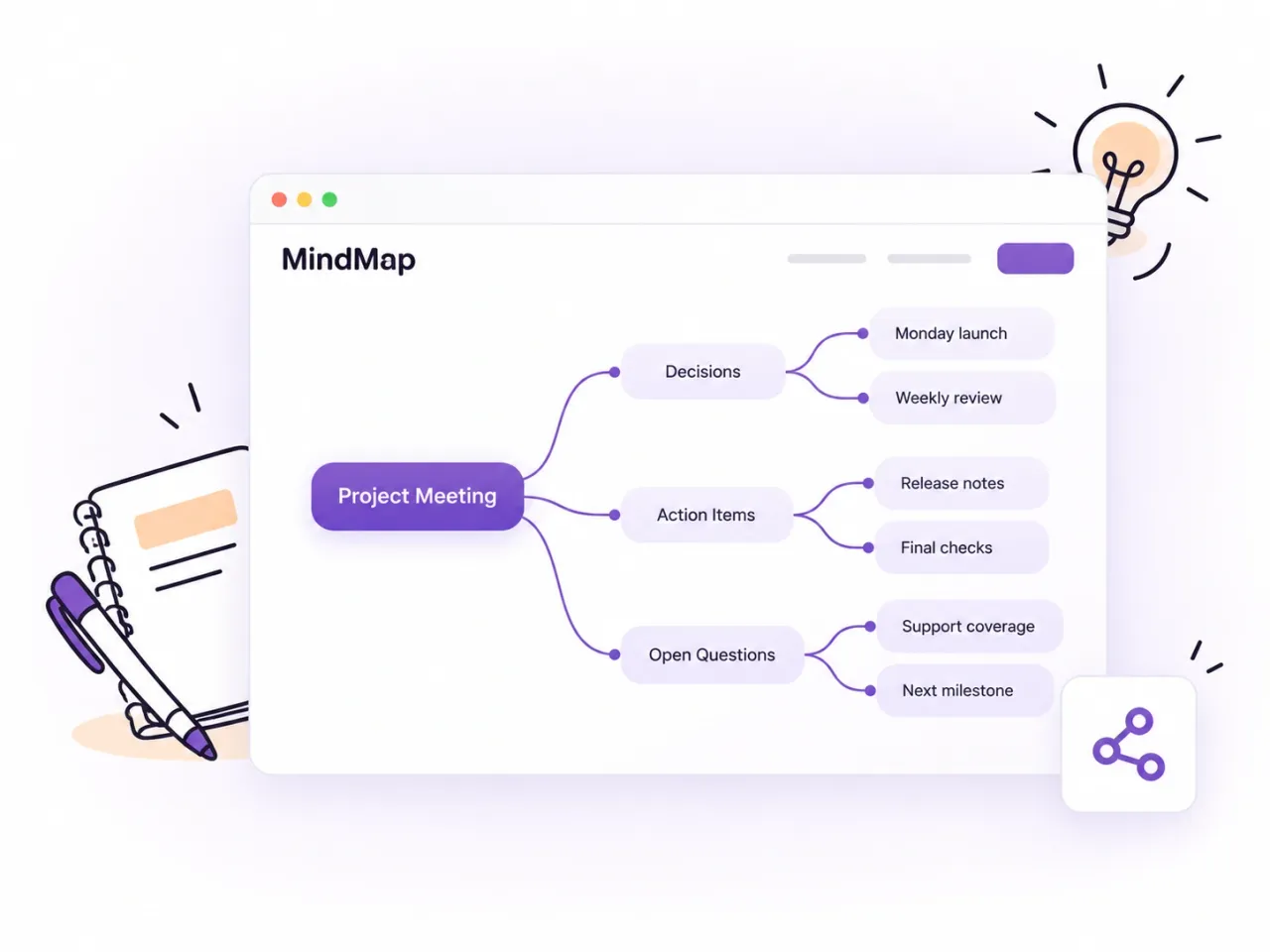
Explore your recording as a visual mind map. See the main topics and related ideas together, making long conversations easier to follow. Use the overview to revisit meeting discussions, organize interview themes, or review lecture material.
Ask Questions About Your Transcript
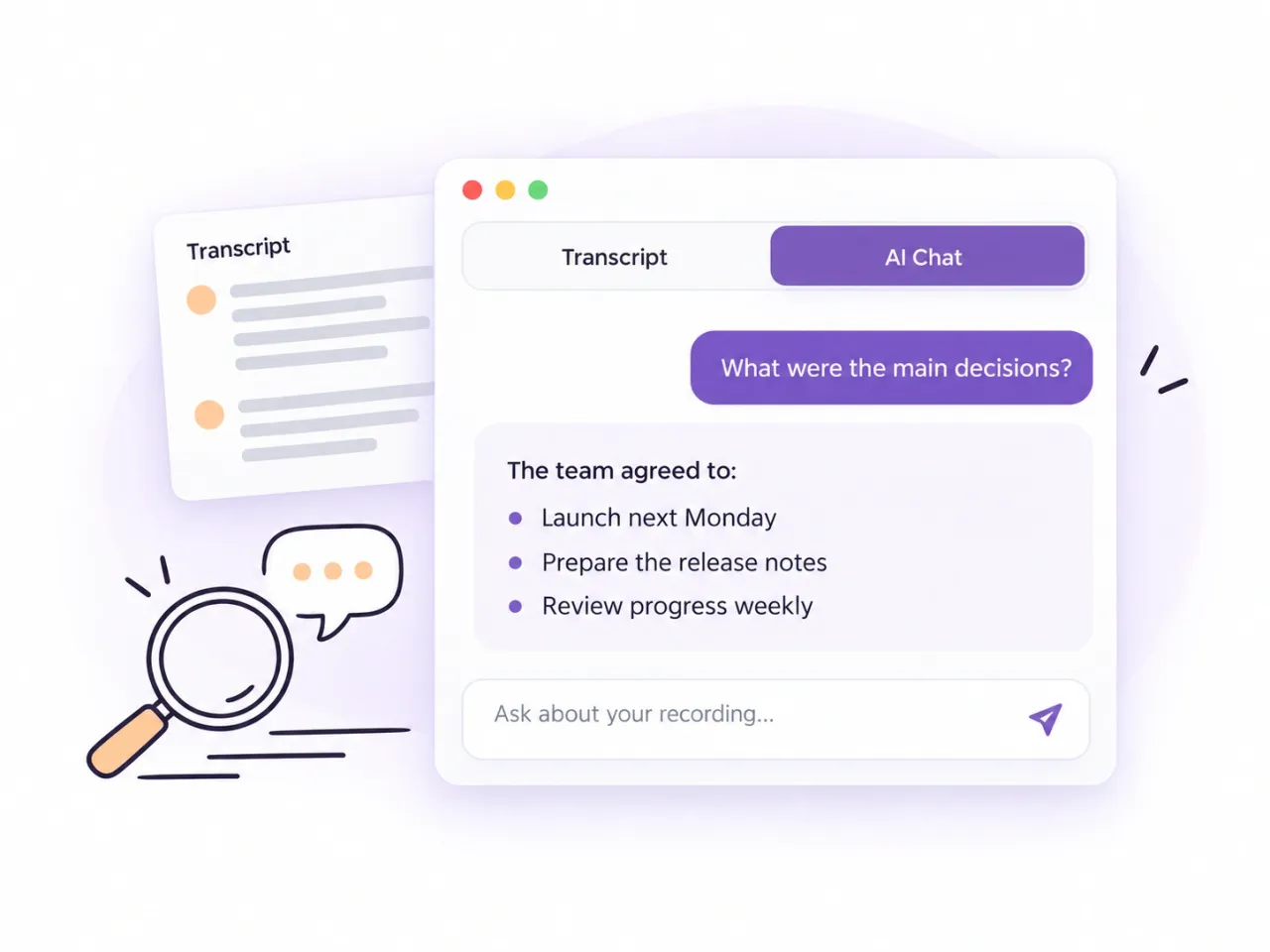
Ask AI Chat questions about your transcript. Find decisions, concerns, or what a speaker said about a topic, then check important details against the recording.
Audio Transcription for Every Workflow
Use audio transcription to document meetings, review interviews, organize study notes, and prepare podcast transcripts or video subtitles.

Meeting Recordings
Create a written record of meeting discussions and decisions.Speaker labels help you follow each person’s contribution, while the Meeting summary style makes key points and follow-up tasks easier to review.

Interview Recordings
Transcribe interviews into editable text for reporting, research, or content creation. Use timestamps to check quotations against the recording, and Vocabulary Groups to guide recognition of names, brands, and specialist terms.

Lectures and Voice Notes
Turn lectures, class recordings, and personal voice notes into study material. Choose the Note summary style, organize ideas with MindMap, or ask AI Chat questions when you want to revisit a topic.

Podcasts and Video Content
Create episode transcripts, generate Podcast Show Notes, and export SRT or VTT subtitles. Enable Keep Audio Events when you want laughter or applause included in the transcript, or clean up speech for easier reading.
Frequently Asked Questions About Audio Transcription
Yes. You can try free audio transcription without signing in. Sign in to transcribe 240 minutes of audio and video for free every day.
You can upload 30+ audio and video formats, including MP3, WAV, M4A, MP4, MOV, and AVI. Video files can be transcribed directly without extracting the audio first.
Audio transcription can reach up to 99% accuracy on clear recordings. Background noise, overlapping speakers, accents, and recording quality can affect the results. Use Vocabulary Groups to guide recognition of names and technical terms, and review important details against the original audio.
A 1-hour recording typically takes about 2 minutes to transcribe. Audio transcription time can vary with recording quality, file size, selected mode and settings, and current processing load.
Standard mode suits everyday audio transcription and uses 1 credit per minute, or 2 with speaker recognition enabled. Advanced mode prioritizes accuracy and uses 3 credits per minute. Choose Standard for routine recordings or Advanced when accuracy matters most.
The tool supports transcription in 90+ languages, including English, Spanish, and Mandarin. Upload a recording in a supported language to generate a transcript in that language. Transcript translation is available separately after transcription.
Yes. You can translate your transcript into a supported language after transcription. AI summaries can also be translated separately.
Download your transcript as a Word, PDF, or TXT file for editing, notes, and sharing. SRT and VTT exports are available for subtitles. Choose a document format for written work or a subtitle format for use with video.
Your uploaded files are encrypted and used to provide the transcription service. They are not shared with other users or used for unrelated purposes. You can manage saved transcription results in My Library.
240
free transcription minutes daily
Available when signed in.
Start Your Audio Transcription
Turn your audio and video recordings into editable text with AI.
Get Started for Free