







Paste the video link
Copy the URL of a public YouTube video and paste it into the input field. There is no need to upload the original media file.

Paste a public video link and turn spoken content into an editable YouTube transcript with timestamps, speaker labels, AI summaries, mind maps, AI chat, translation, and flexible export options. The audio to text workspace keeps the video and written result together, so you can verify important moments before using the content elsewhere.
You only need a link. The workspace handles processing and keeps the source video available while you read and review the result.
Copy the URL of a public YouTube video and paste it into the input field. There is no need to upload the original media file.
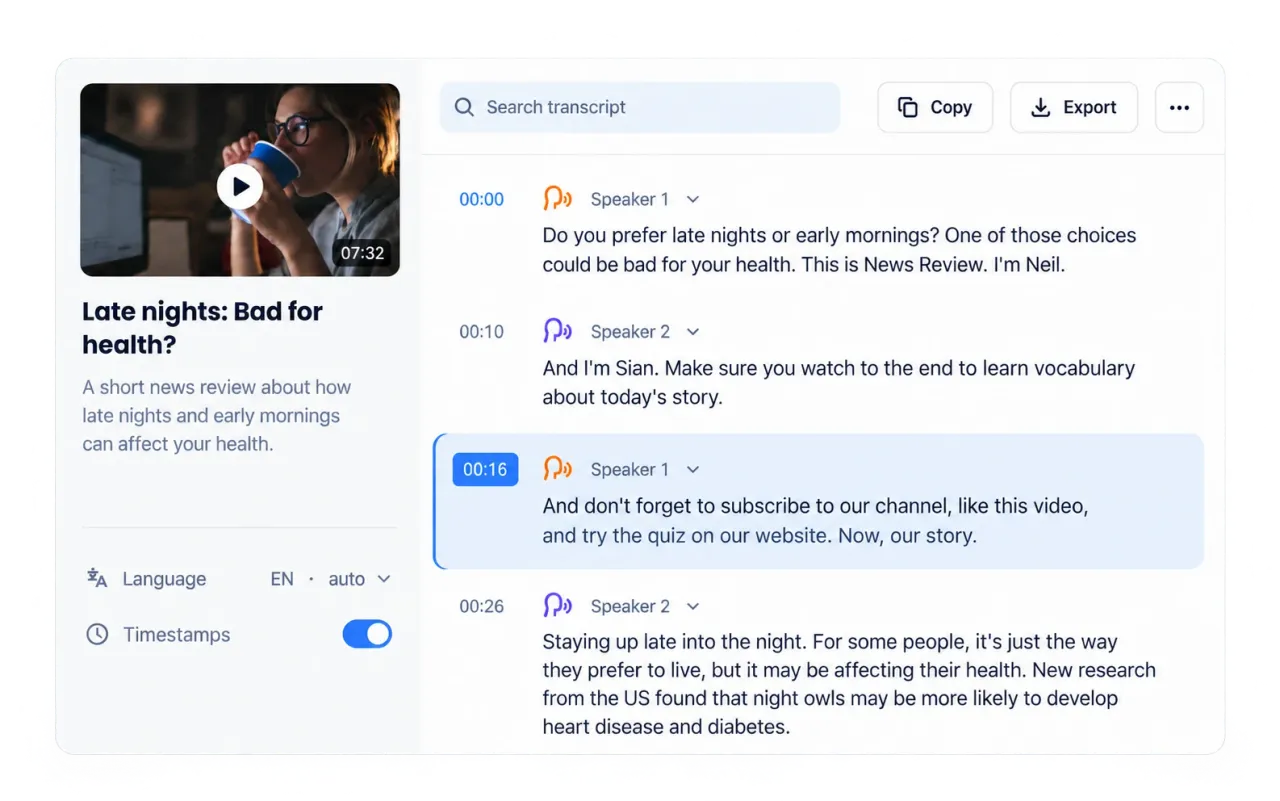
Start processing and let the YouTube transcription engine detect the spoken language, convert the audio, add timing information, and separate speakers when the recording makes those differences clear.
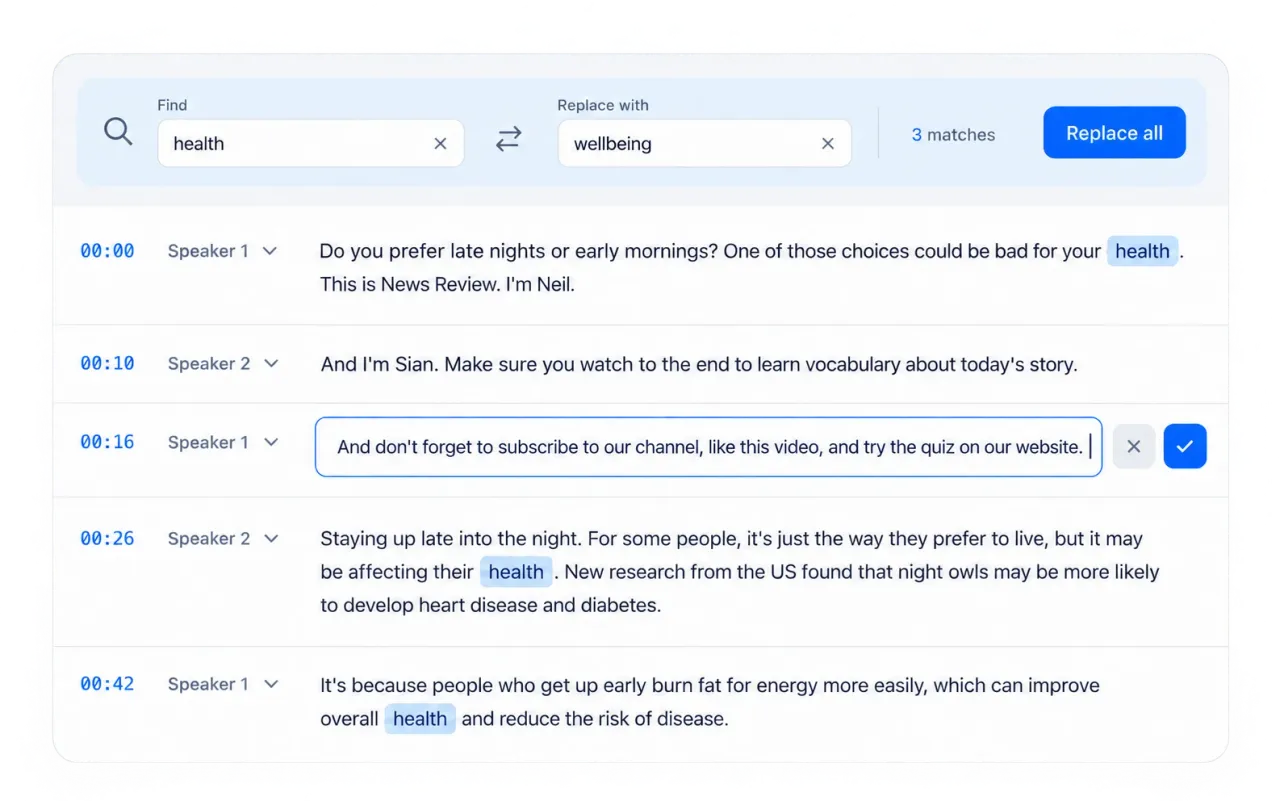
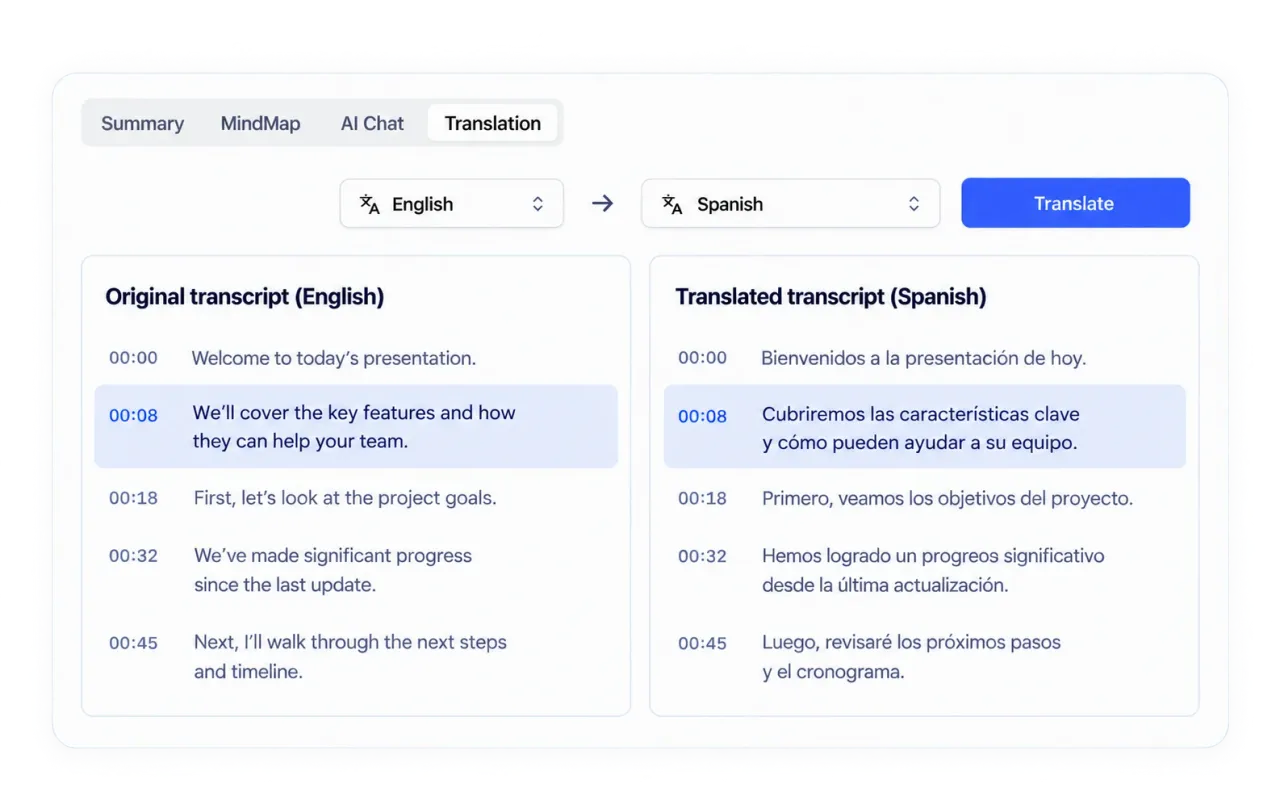
Read beside the video, jump to a moment by its timestamp, correct names or specialist terms, choose a summary style, translate the result, or move directly to the export format needed for the next task.
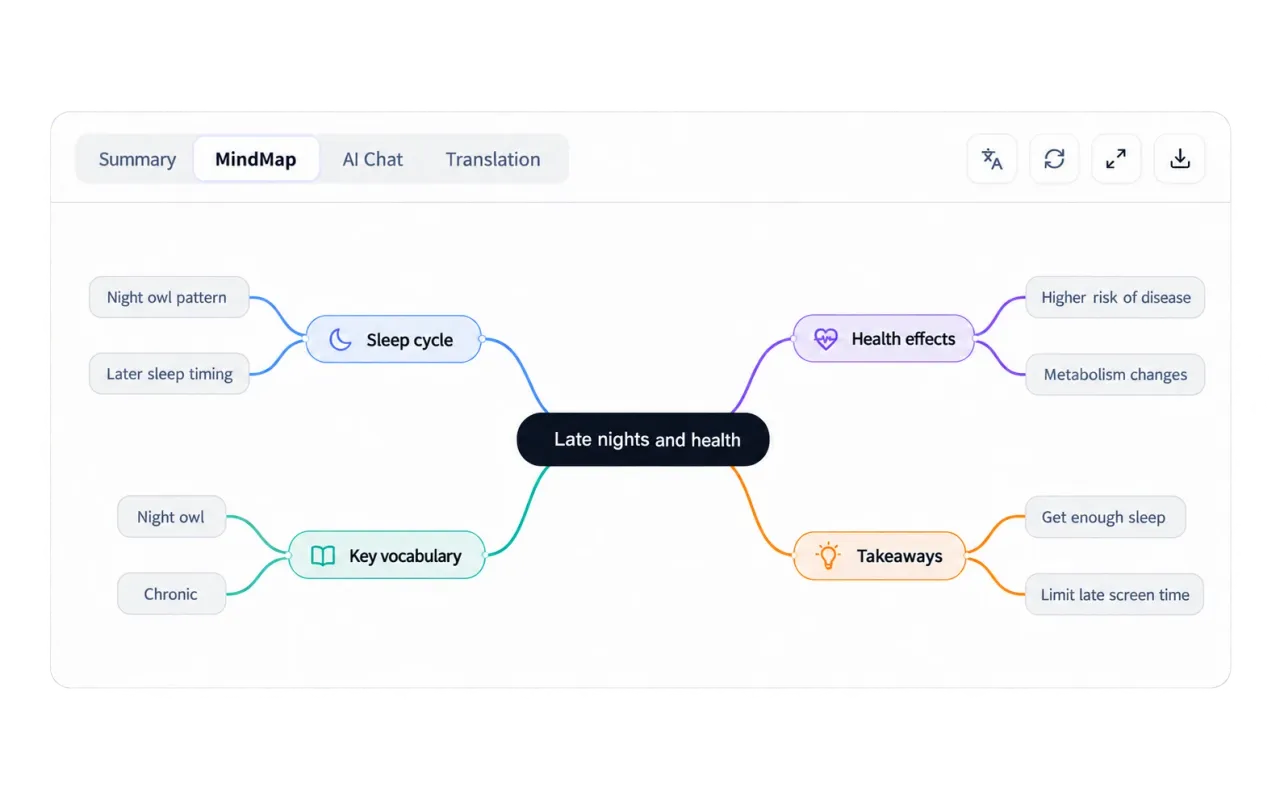
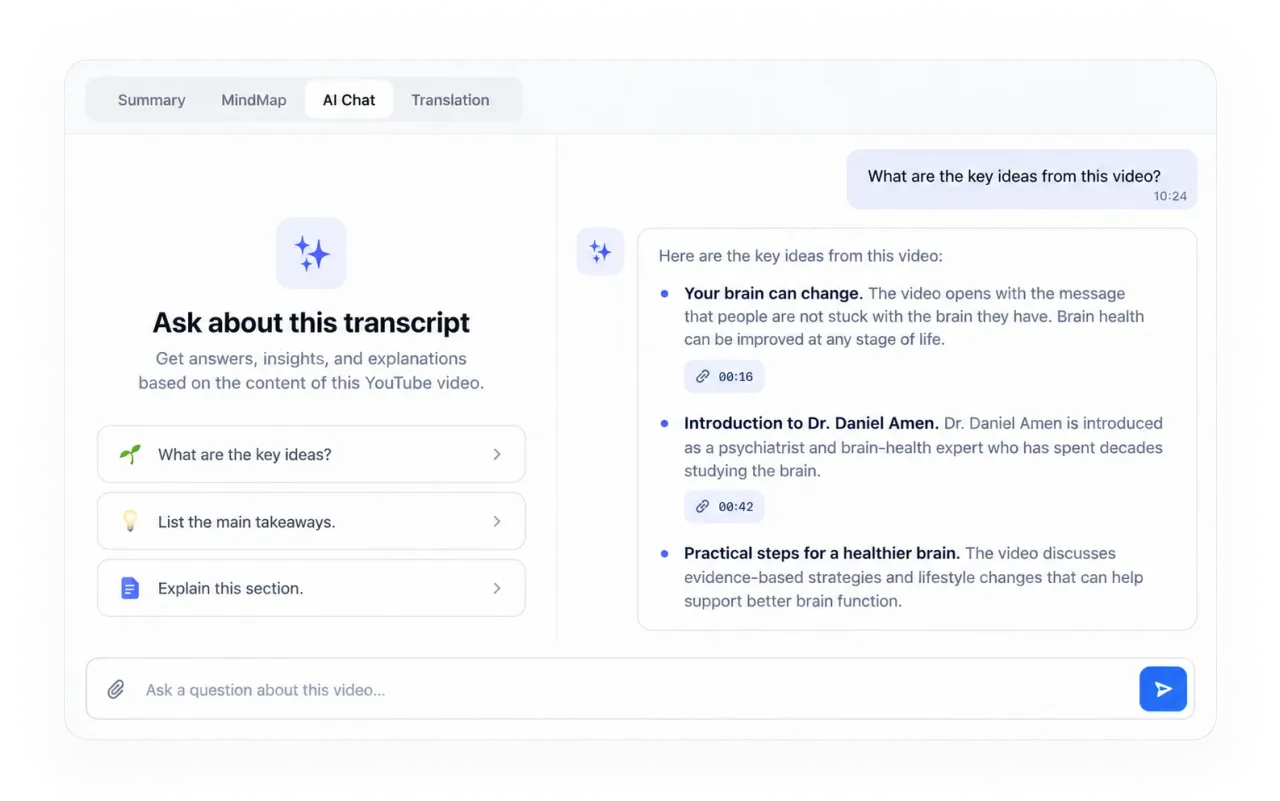
This YouTube transcript generator creates a connected workspace where the recording, editable text, timing, structured notes, visual organization, questions, and output options remain together.
A useful summary depends on the recording and your next task. The workspace can reshape a YouTube transcript through 16 purpose-built styles, including an Auto option that selects a suitable approach.
Auto, Note, Core Points, Chapter Summary, and Timeline capture the subject, organize ideas, follow a long explanation, and highlight the parts that matter most.
Meeting, Interview Notes, and Sales Follow-up focus on participants, decisions, notable statements, needs, objections, and next actions. They are suited to discussions where the value lies in what each person contributed.
Creator Repurpose, Podcast Show Notes, News Brief, and Blog Post reshape source material into reusable angles, chapter markers, concise news facts, or a written draft.
SOAP Mode, Case Discussion, Court Summary, and Evidence Organization apply specialized structures to medical, case-based, legal, and evidence-heavy material. Review the output carefully whenever the content may influence a professional decision.
The same recording can support different goals. Keep the source available for verification, then choose the reading, writing, review, or publishing workflow that matches your task.

Search a lecture for a definition, review an explanation at its exact moment, convert key points into notes, and use chapter or timeline views to study a long lesson in sections.
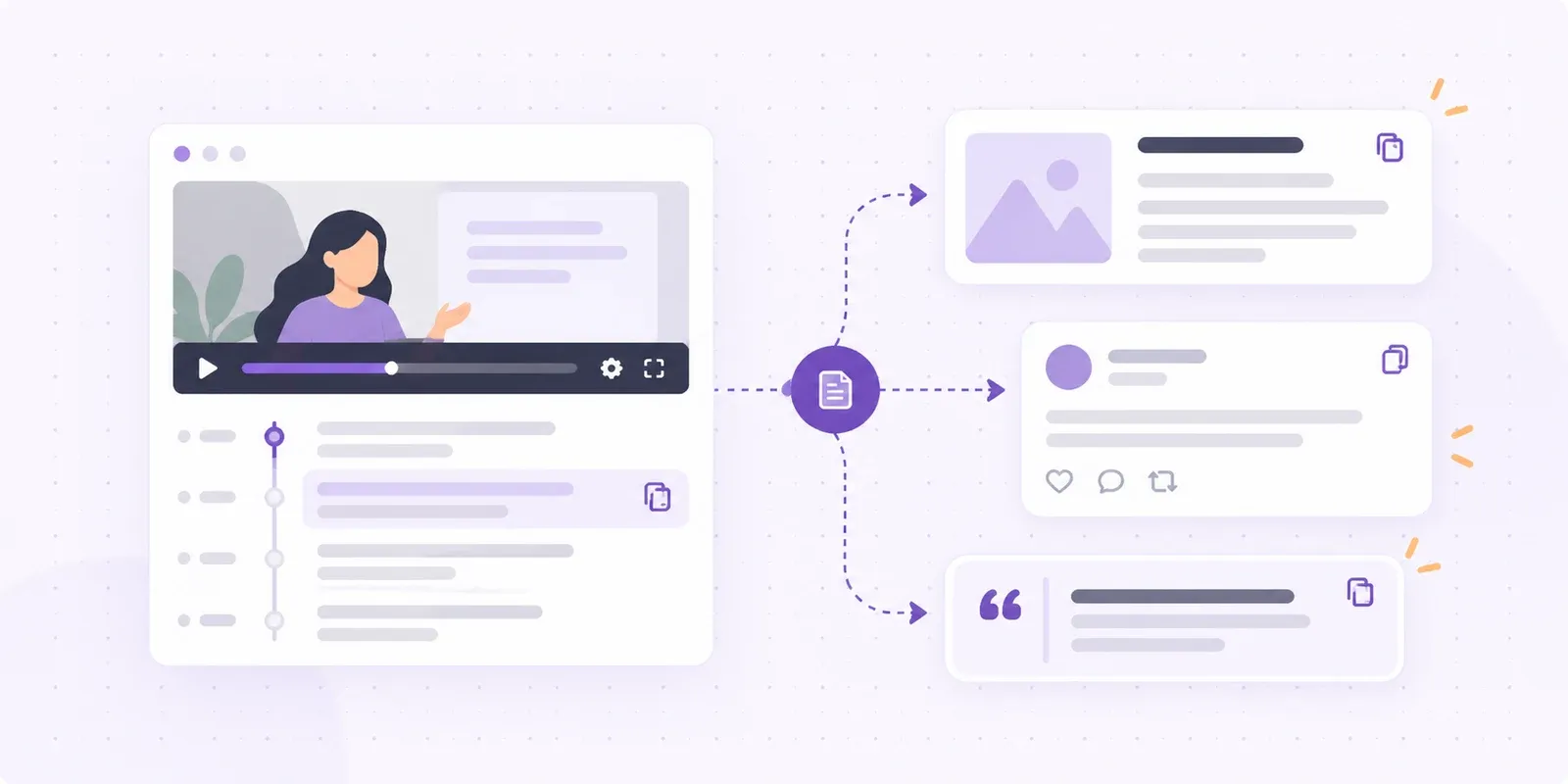
Find quotations, hooks, examples, and topic segments for articles, newsletters, social posts, podcast notes, or video descriptions. Keep the full record so reused ideas can be checked in context.

Revisit what a guest, customer, candidate, witness, or presenter said without scrubbing through the video. Speaker labels, search, structured notes, and AI questions surface claims and follow-up items faster.
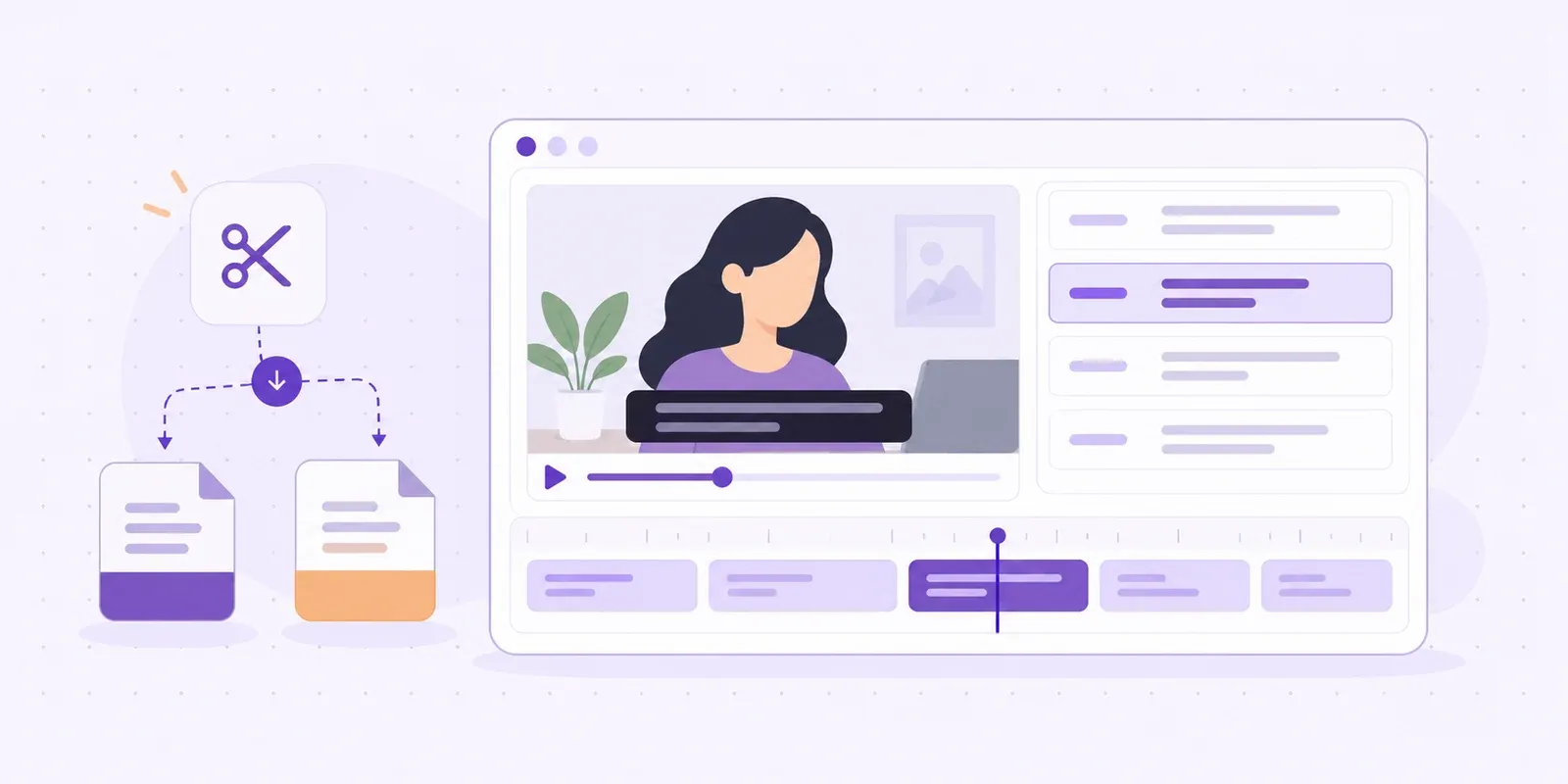
Translate the result for multilingual review, edit wording before publication, and export timed captions for accessibility or localization without losing the link to the original recording.
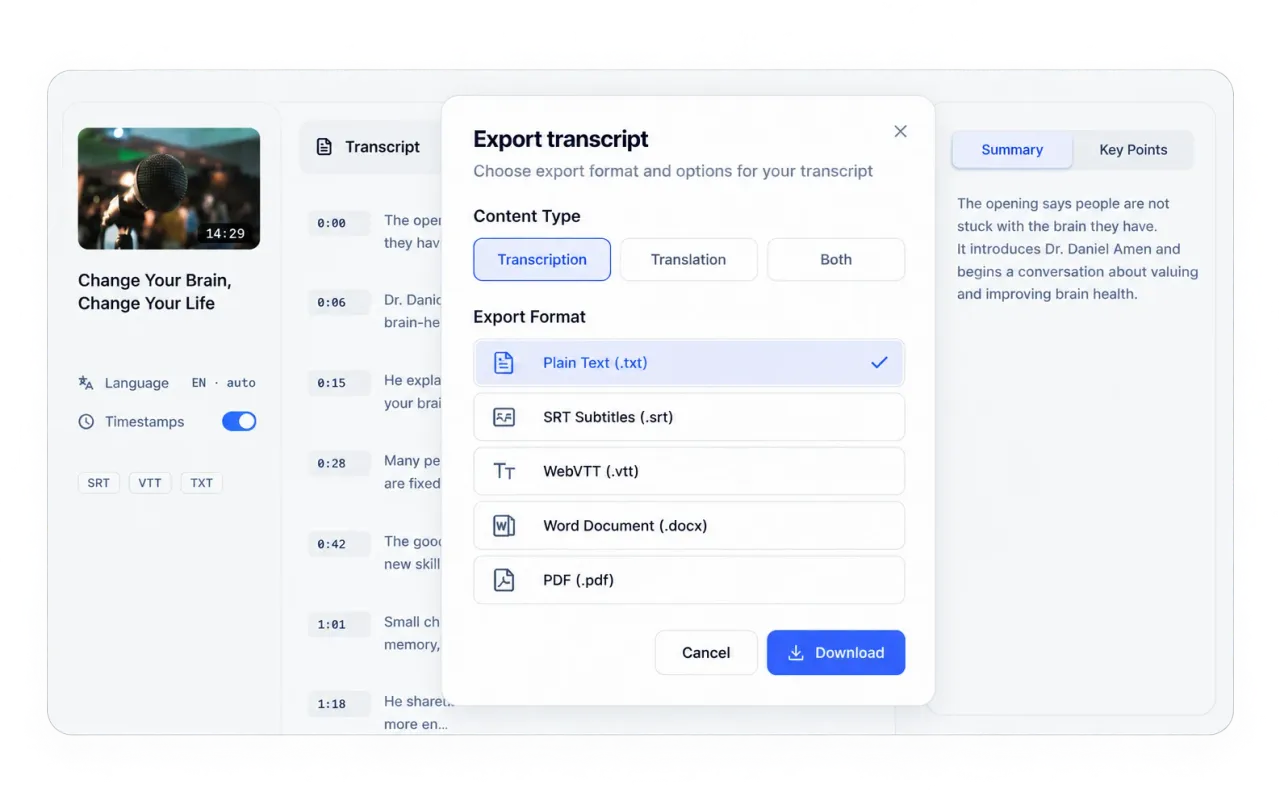
Use the same YouTube transcript in the format that fits your workflow: editable for review, stable for sharing, or timed when synchronization matters.
Copy selected text, or download TXT and DOCX files for a clean record that can be revised, annotated, or added to another document.
Export PDF when the layout should remain consistent across devices for reading, archiving, printing, or sharing.
Download SRT or VTT when an editor, player, or publishing platform needs caption cues aligned with the recording. Review terminology and timing before using the file publicly.
Paste a public link and use the free generator to create searchable text with timestamps, speaker labels, AI summaries, and flexible exports.
Generate Transcript