
Free Online Lecture Recording
Record a lecture in your browser or upload a lecture recording, then get a searchable transcript and AI study notes. No software to install—100% free.
Make Your Lecture Recording Easier to Study
Record your class or upload existing audio, turn it into readable text, and find the explanations you need to complete your notes and review for exams.
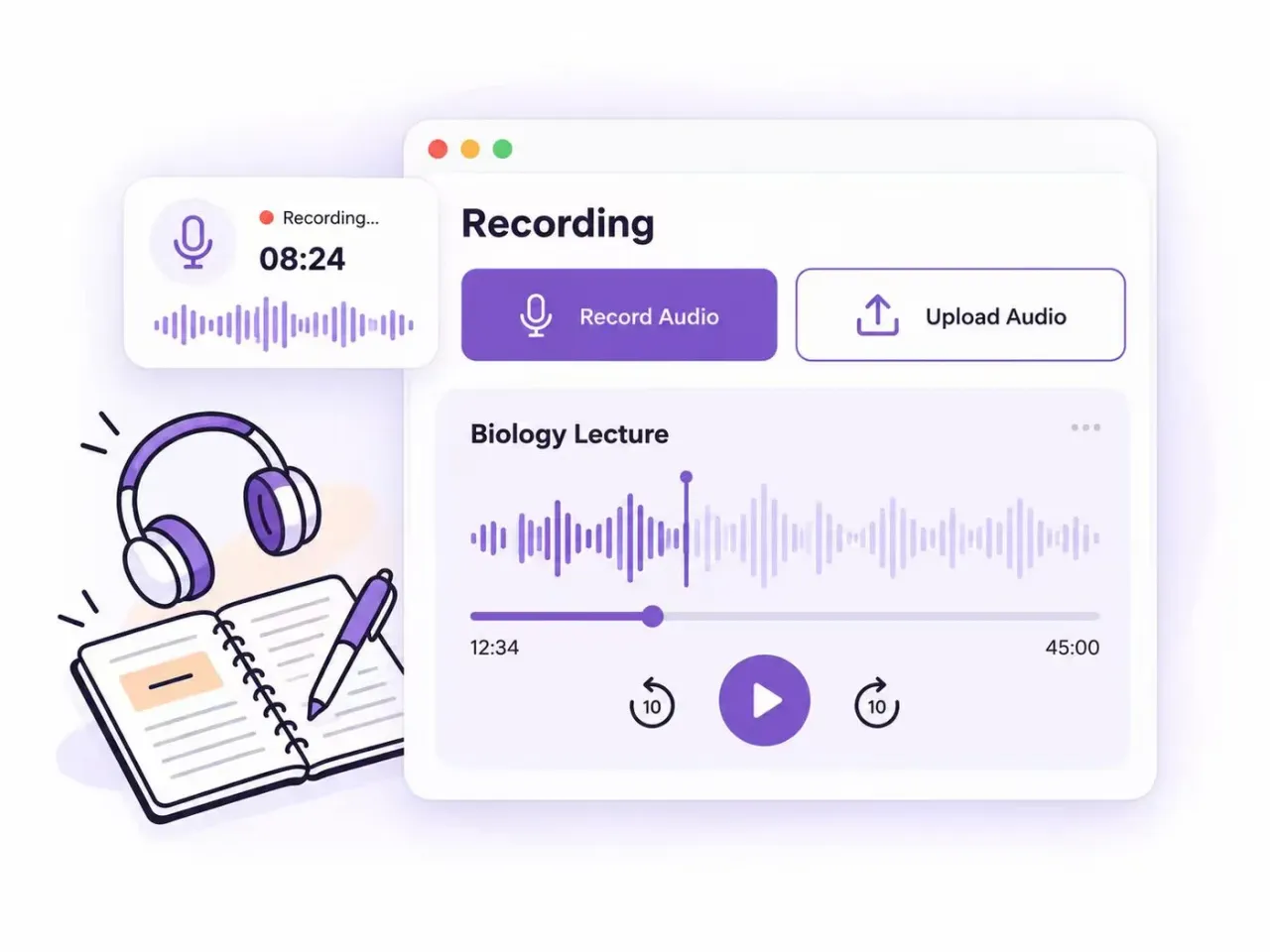
Keep Class Audio for Later Review
Record a lecture online or upload a recording you already have. Revisit difficult topics after class and check the details you missed while taking notes.
- Online Recording
- Audio Upload
- After-Class Review
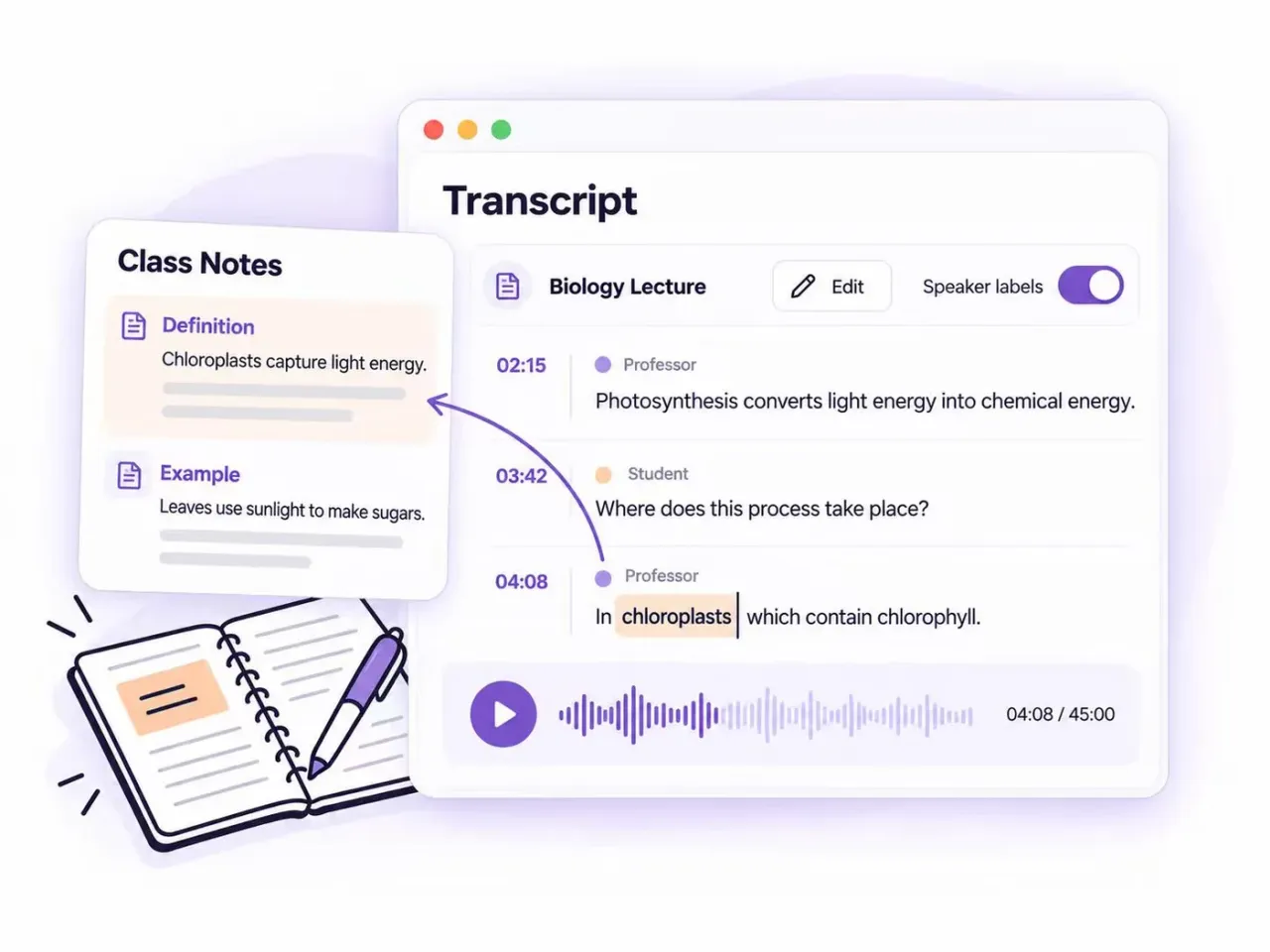
Fill Gaps in Your Class Notes
Turn your lecture recording into an editable transcript with timestamps and optional speaker labels. Read through explanations at your own pace and add missing definitions or examples to your notes.
- Editable Transcripts
- Timestamps
- Speaker Labels
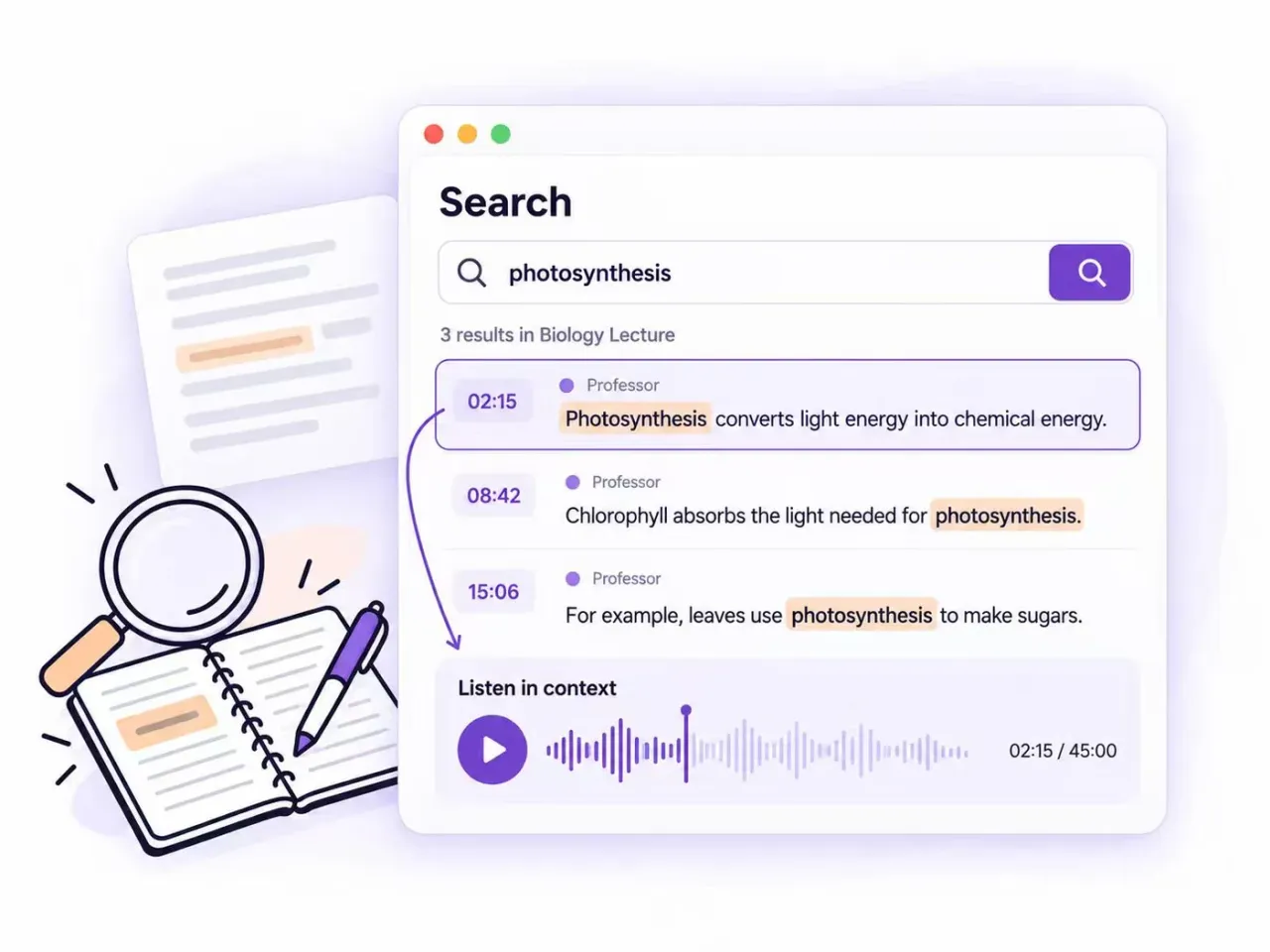
Find the Explanation You Need
Search your transcript for a topic, term, or example when reviewing a lesson. Use timestamps to revisit the relevant audio and check the explanation in context.
- Keyword Search
- Topic Review
- Audio Timestamps
How to Convert a Lecture Recording to Notes
Step 1: Add Your Audio
Upload a lecture recording or record class audio directly in your browser. Once you finish recording, submit the audio for transcription.
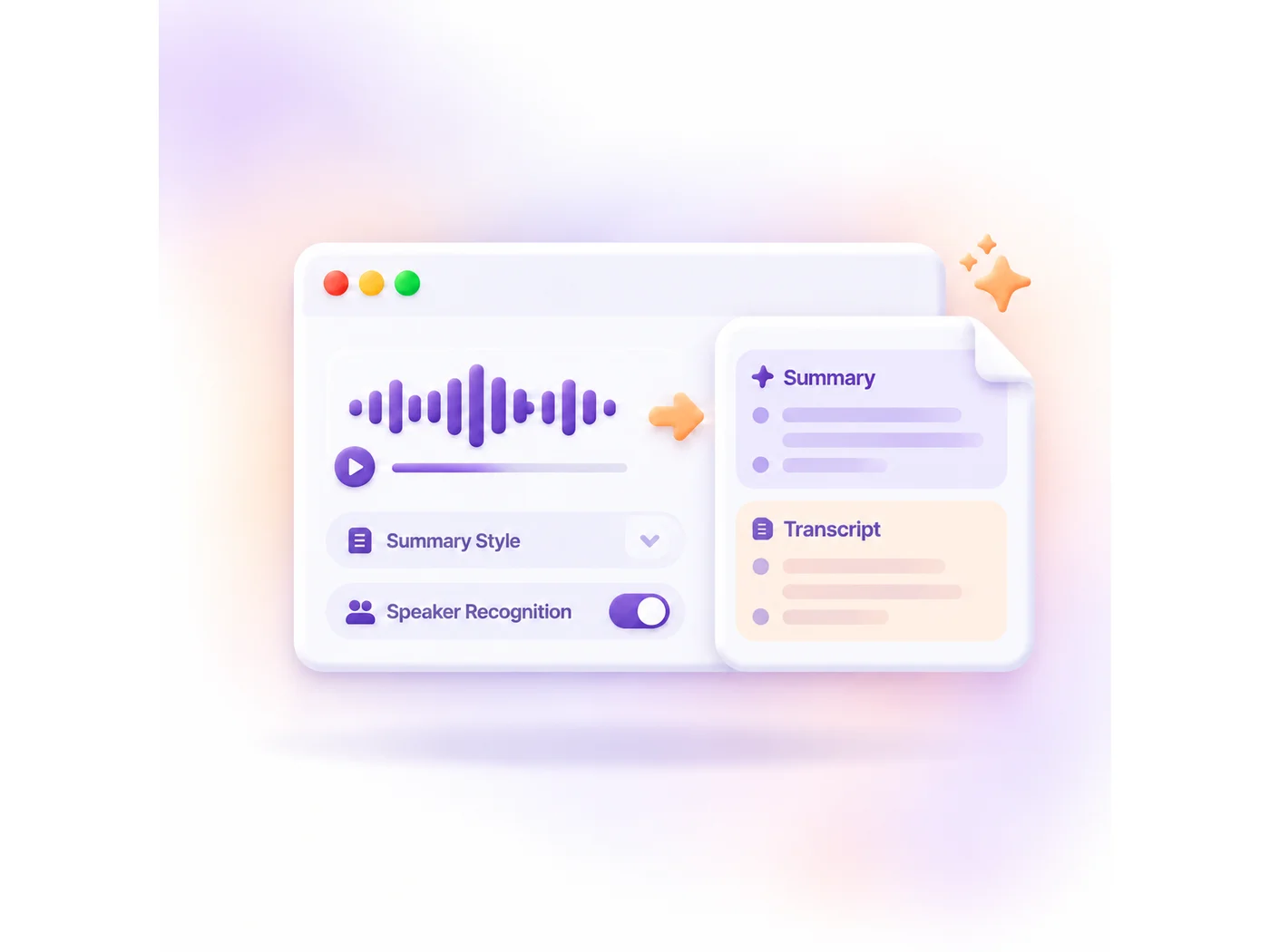
Step 2: Generate AI Notes
Choose a summary style and enable speaker recognition if needed. The AI lecture note taker turns the audio into an editable transcript and organized notes.
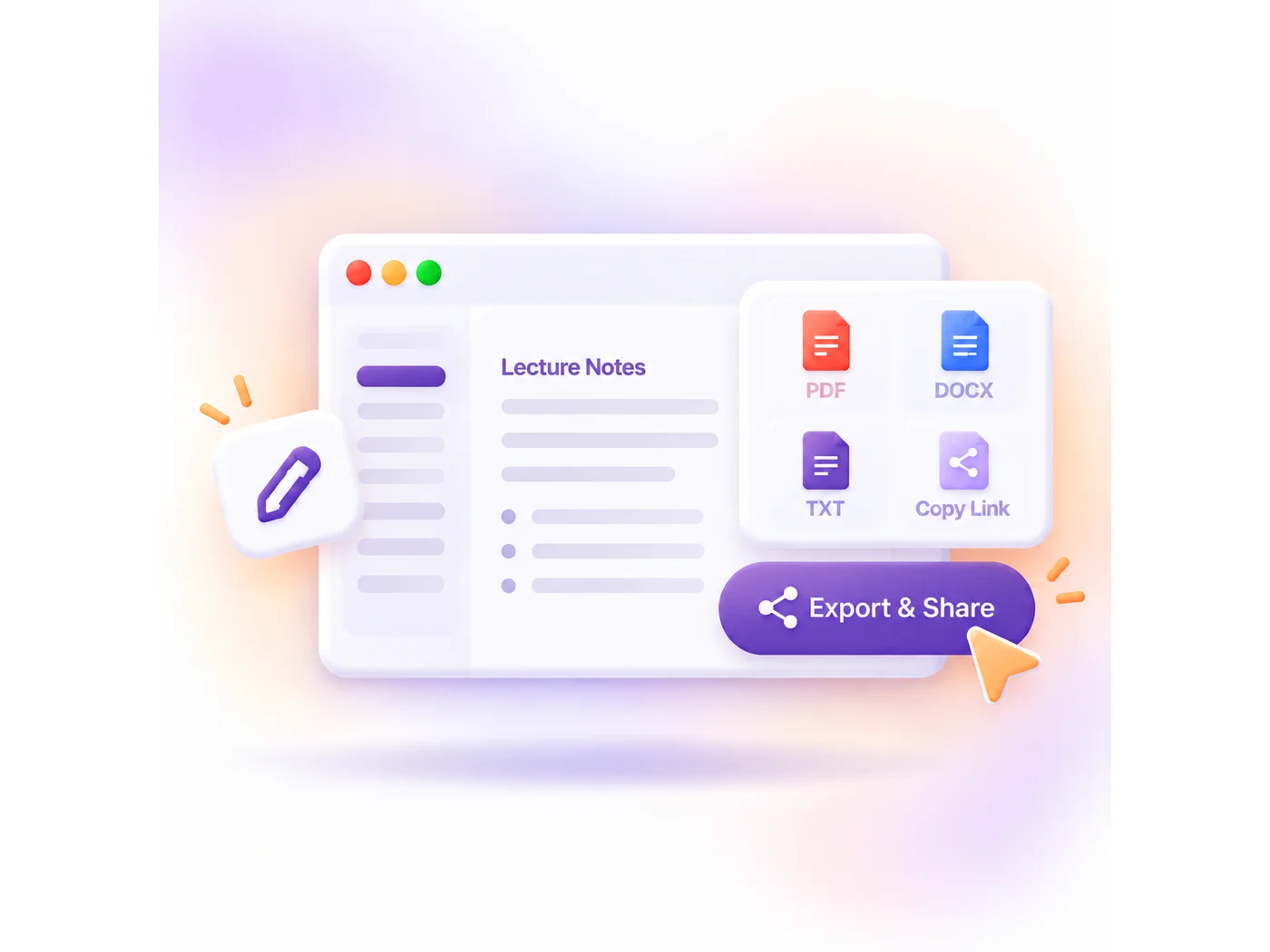
Step 3: Export and Share
Review and edit your notes, then copy or export the results. Keep them for your next study session or share key takeaways with classmates.
AI lecture recorder
Turn Your Lecture Recording into Study Materials
Go beyond the transcript with AI notes, mind maps, answers, and translations that help you review and understand your lectures.
Choose Your AI Notes Format
Use Note, Core Points, or Chapter Summary to organize lecture content for a quick review or a more detailed recap.
Connect Ideas with Mind Maps
Turn lecture content into a visual overview to see how key concepts and supporting details connect.
Ask Questions About Your Lecture
Ask AI to explain a difficult concept, clarify an example, or answer questions based on your transcript.
Translate for Easier Understanding
Translate your transcript into another language to review unfamiliar terms and understand explanations more easily.
Who Uses Our AI Lecture Note Taker
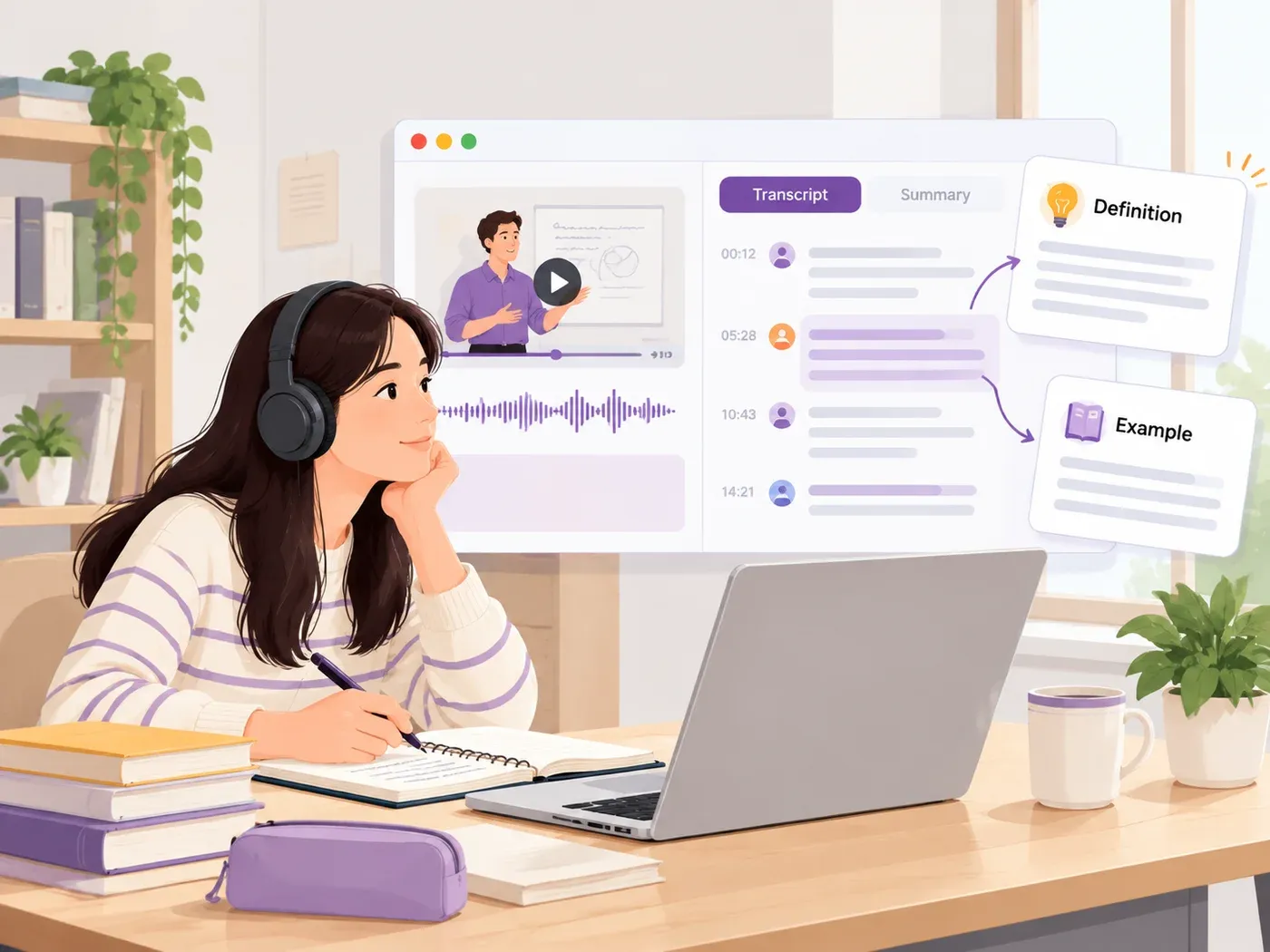
Class Notes and Catch-Up
Missed an explanation while taking notes? Turn a lecture recording into a transcript and summary, then fill in the gaps with the definitions and examples covered in class.
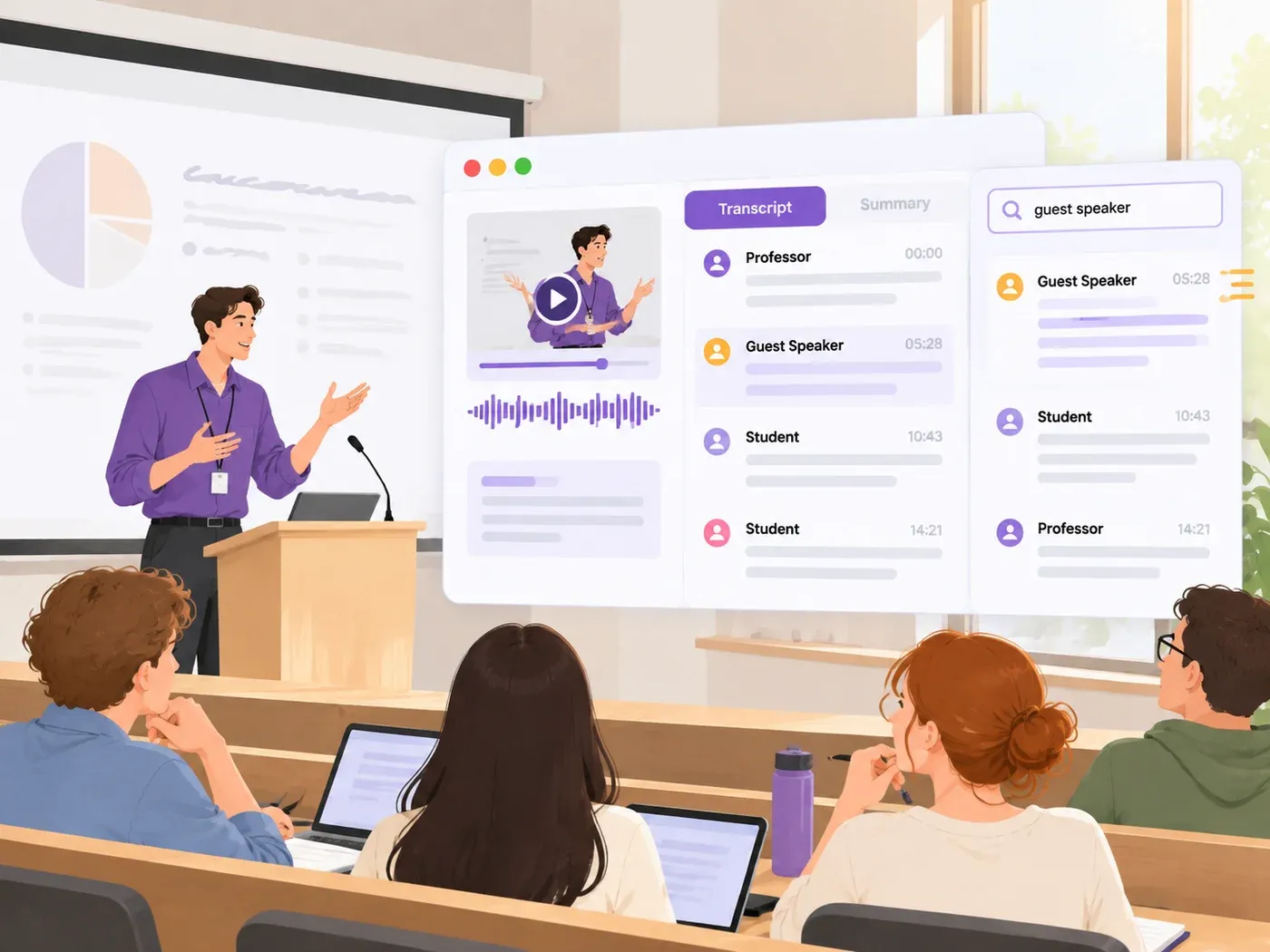
Seminars and Guest Lectures
Follow discussions involving multiple speakers with speaker labels and timestamped transcripts. Revisit a guest speaker’s argument or find a question raised during the session.
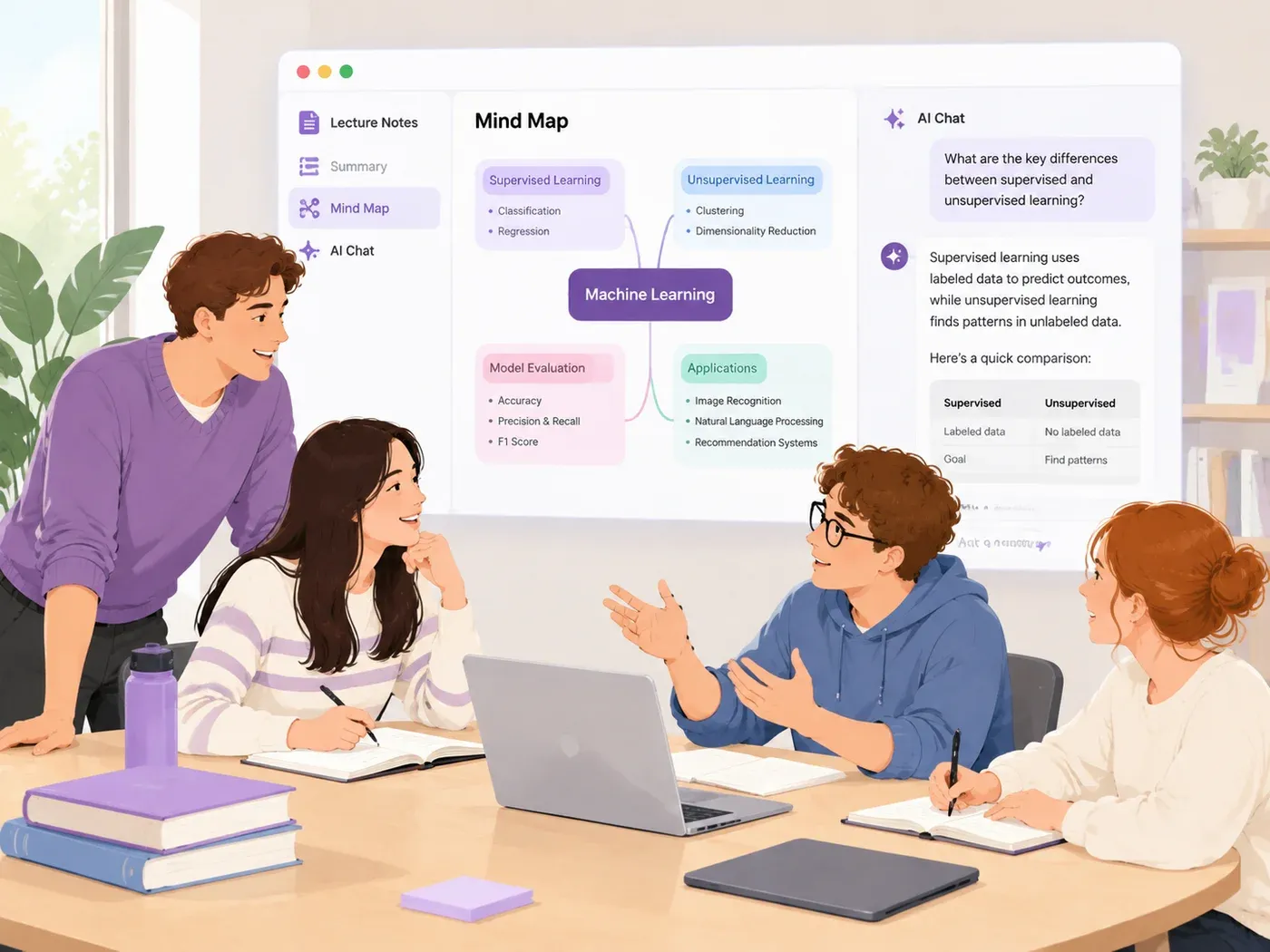
Study Group Preparation
Use an AI lecture note taker to organize the main ideas before a group discussion. Bring a mind map to compare concepts, and ask AI about points the group wants to explore.
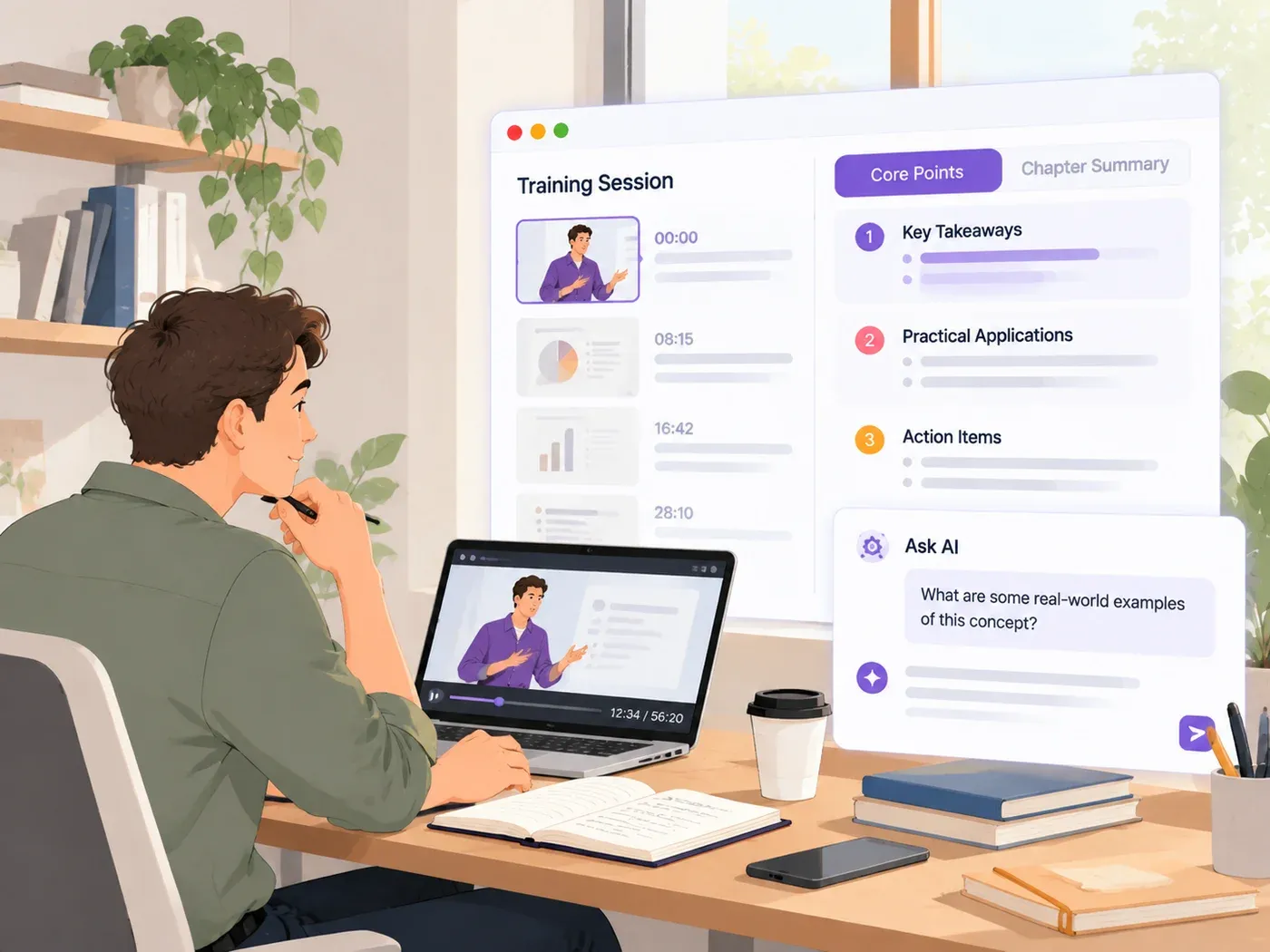
Professional Training
Turn recorded training sessions into practical reference notes. Choose Core Points to highlight useful takeaways, or Chapter Summary to organize longer sessions by topic.
Trusted by Students and Educators

Avery Horton
Student Preparing for Exams

Dylan Hale
Research Assistant

Kaylee Ortiz
Teaching Assistant

Felecia Gibson
Engineering Student

Claire Rivera
Exchange Student

Miriam Dixon
Professional Trainee
Lecture Recording FAQs
240
free transcription minutes daily
AI Study Notes · No Installation Needed
Turn Your Lecture Recording into Notes
Record or upload a lecture and get AI notes online for free.
Upload & Transcribe