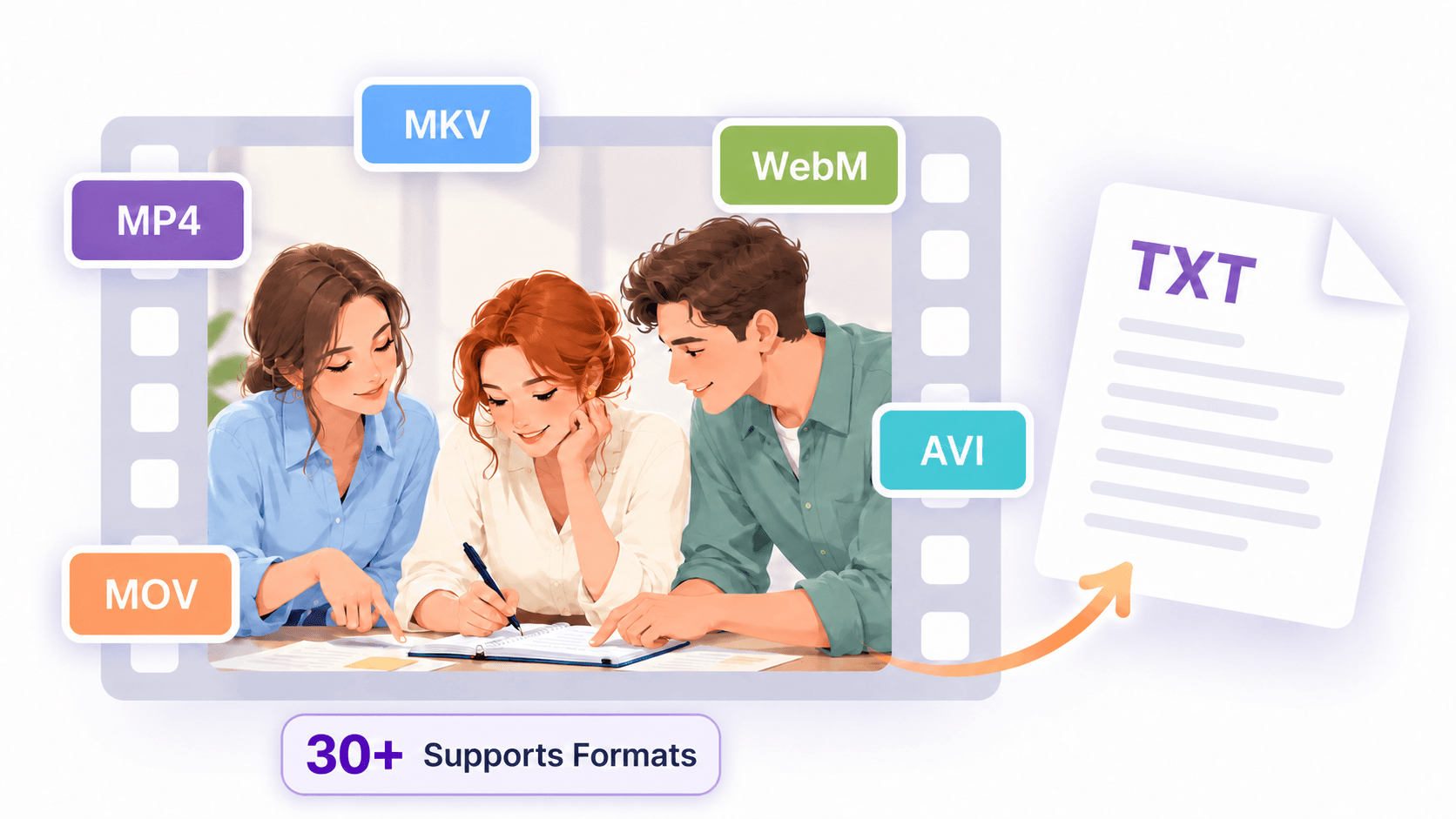
Free Video to Text Converter Online
Turn videos into accurate text in minutes with our video to text converter. Get transcripts with timestamps, generate AI summaries, and download documents or subtitles. Sign in for up to 240 free minutes daily.
Powered by World-Class AI Models
Processing 60,000+ minutes of video daily.






Why Choose Our Video to Text Converter?
Get fast, accurate results with our video to text converter, support for 90+ languages, and free minutes to use every day.
Highly Accurate Transcripts
- Our video to text converter delivers up to 99% accuracy on clear recordings. Capture spoken content for meeting records, study notes, and interviews, with less manual typing and fewer corrections.
Fast AI Transcription
- Transcribe video to text in minutes instead of typing everything by hand. Quickly turn recordings into written text, so you can spend more time reviewing useful information and less time repeatedly replaying your videos.
Time-Stamped Transcripts
- Use timestamps to locate specific moments in your original video. Revisit an explanation, check an interview quote, or review a meeting discussion without searching through the entire recording.
90+ Languages Supported
- Transcribe videos in 90+ languages, including English, Spanish, and Mandarin. Turn international meetings, courses, and interviews into readable text for work, study, and sharing.
Explore Your Video Transcript in One Workspace
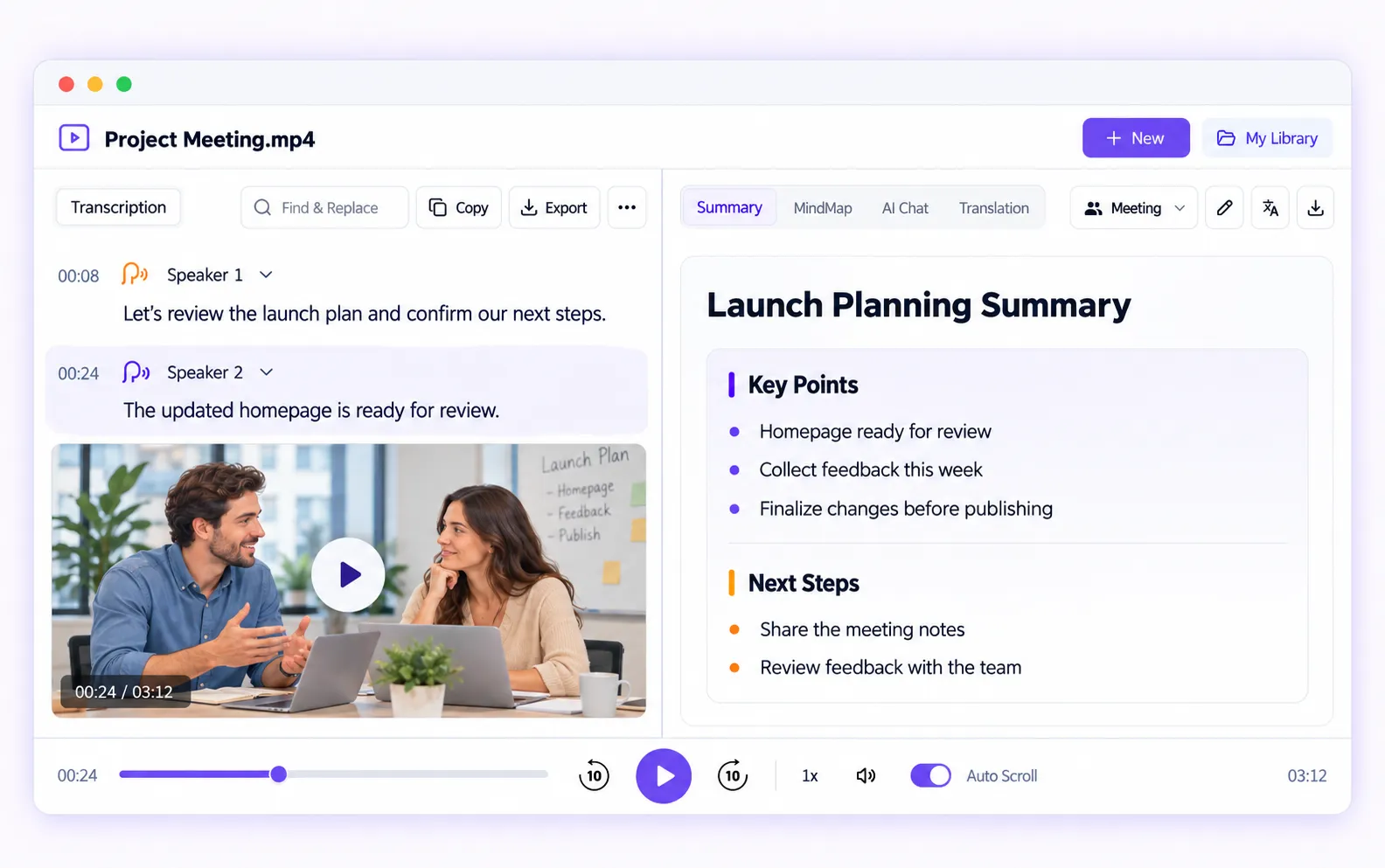
Our video to text converter brings your transcript, timestamps, speaker labels, and playback into one workspace. Replay key moments, review an AI summary, or explore the content with MindMap, AI Chat, and translation. Copy your transcript or download it as a document or subtitle file.
How to Transcribe Video to Text
Get started with our video to text converter in three simple steps—from adding a video to downloading your transcript.
Step 1: Add Your Video
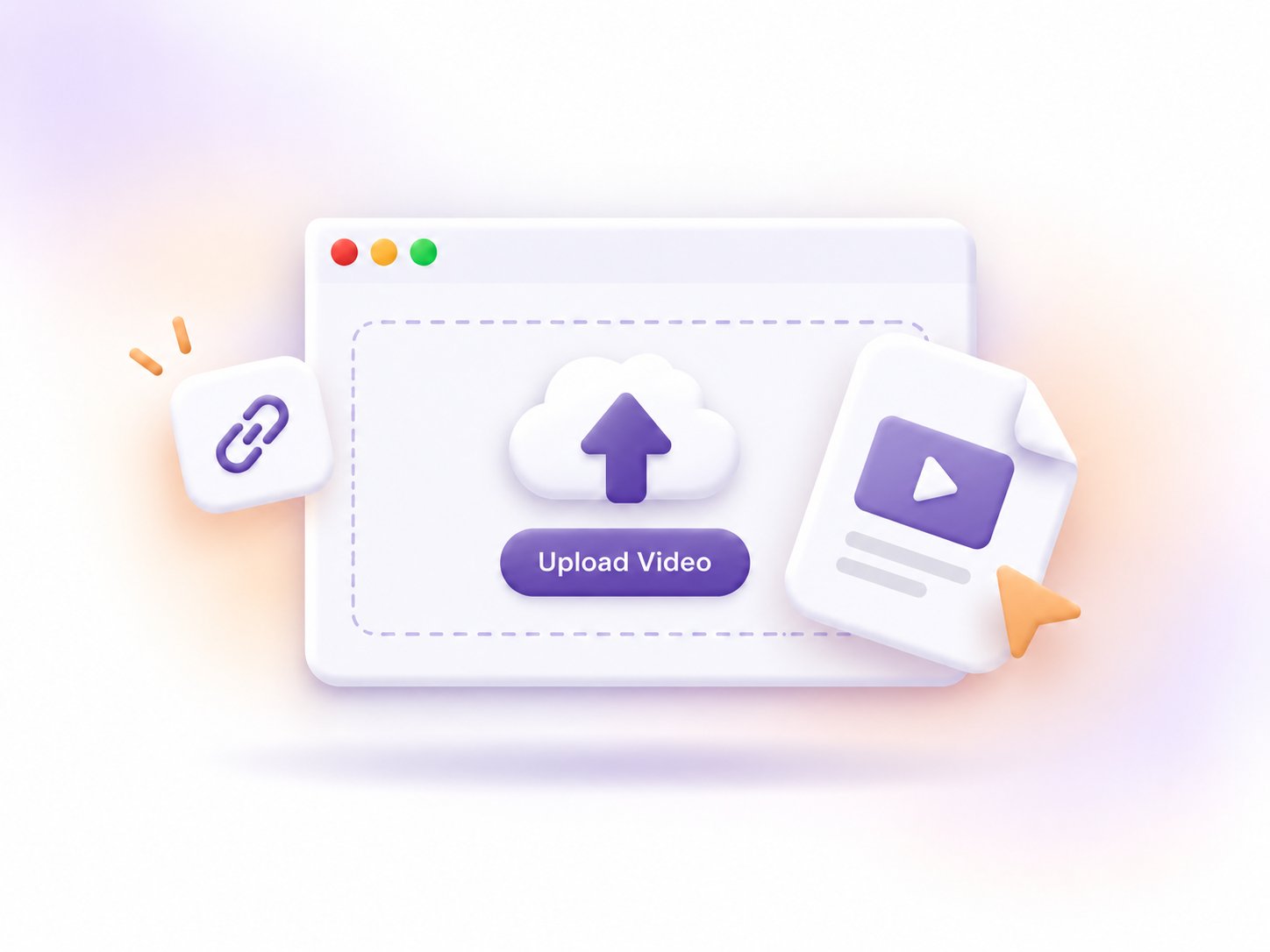
Upload a video file or paste a supported link, including links from YouTube, Google Drive, and Dropbox. All major video formats are supported, including MP4, MOV, and WebM.
Step 2: Generate Your Transcript
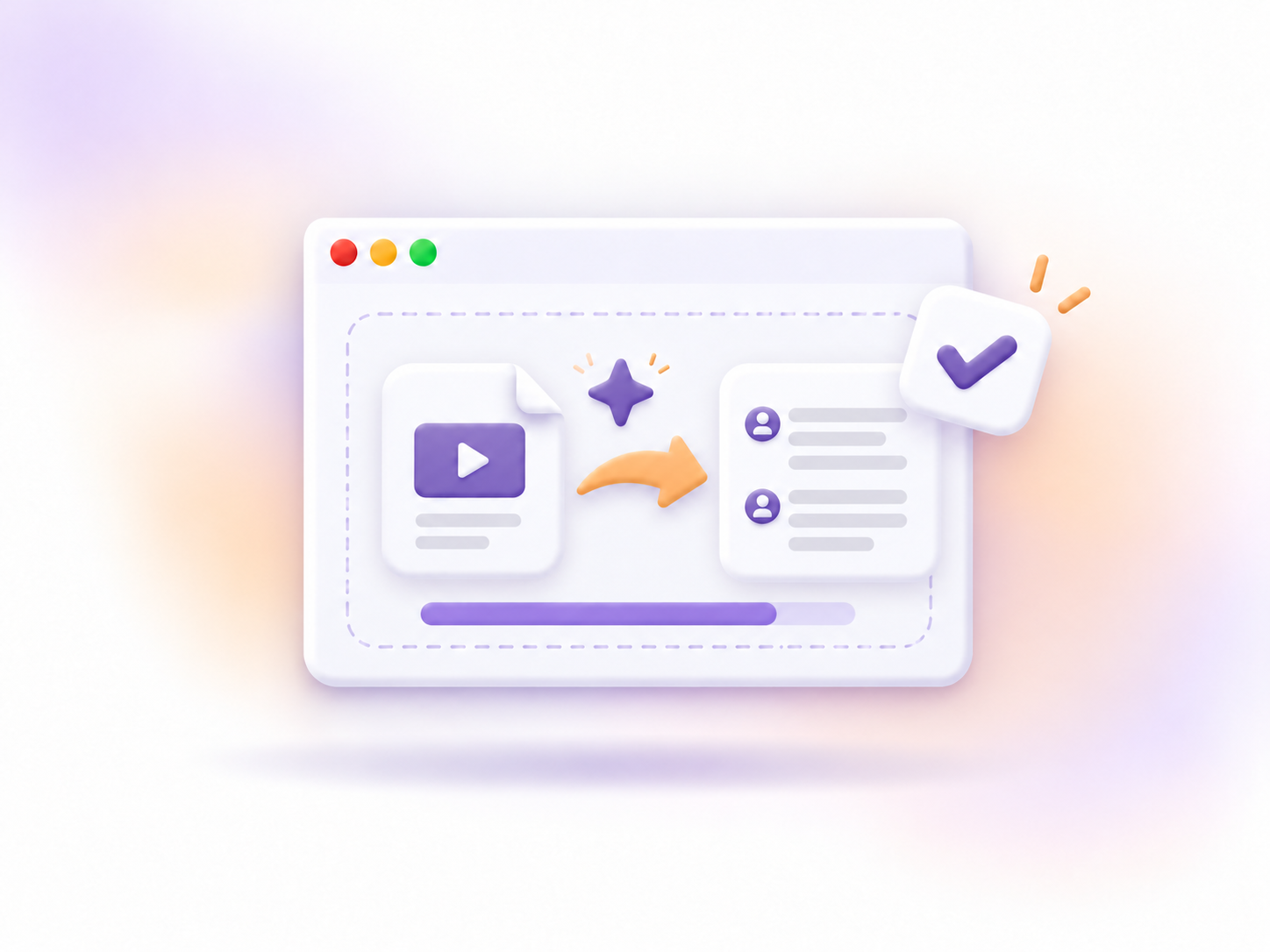
Start transcription and let AI turn your video's spoken audio into text. Before processing, you can enable speaker recognition or choose a summary style if needed.
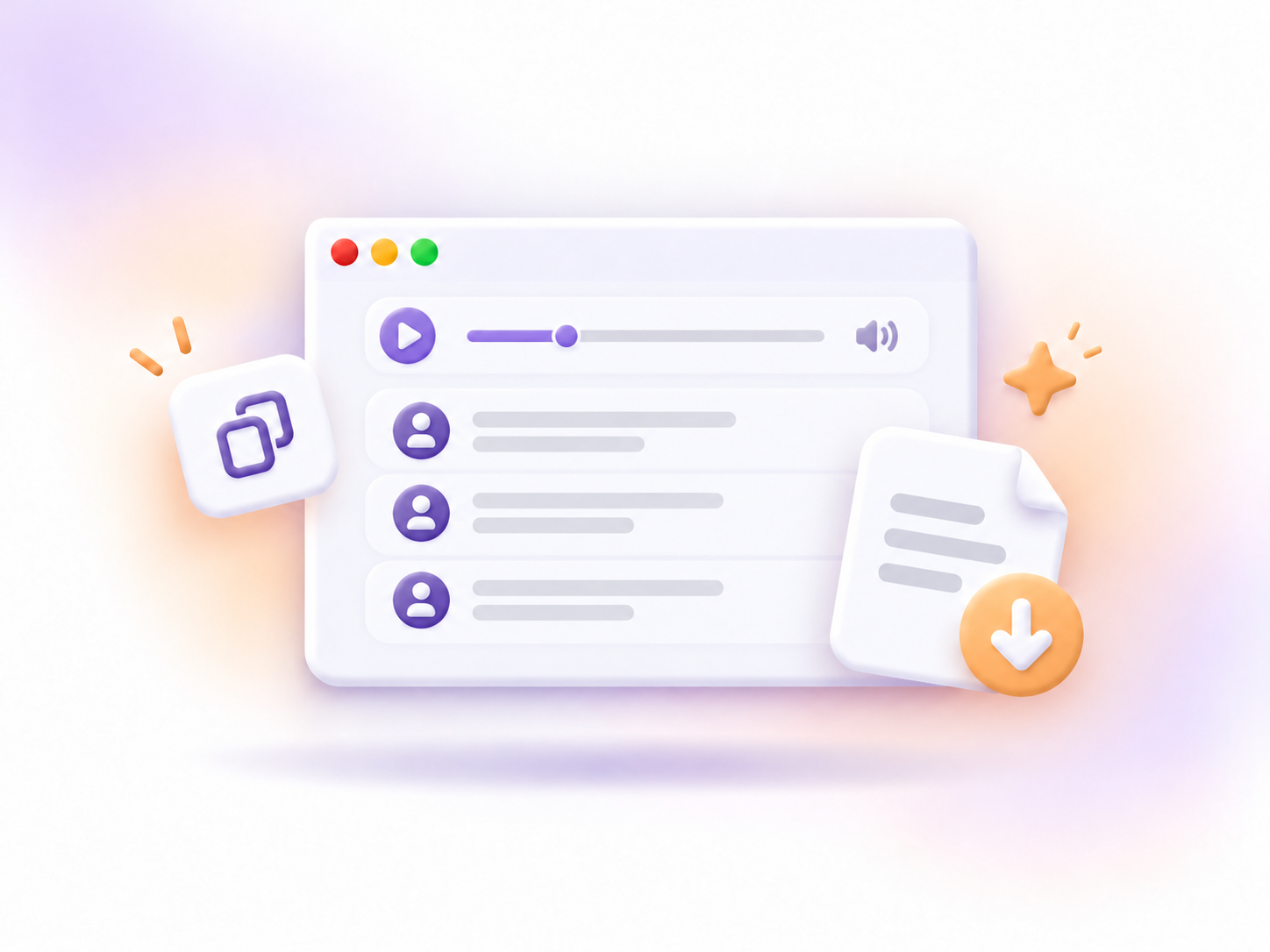
Step 3: Review and Export Your Results
Review your transcript alongside playback, then copy the text or download documents or subtitles. You can also explore AI summaries, MindMap, translation, or AI Chat.
Get Clearer, More Accurate Video Transcripts
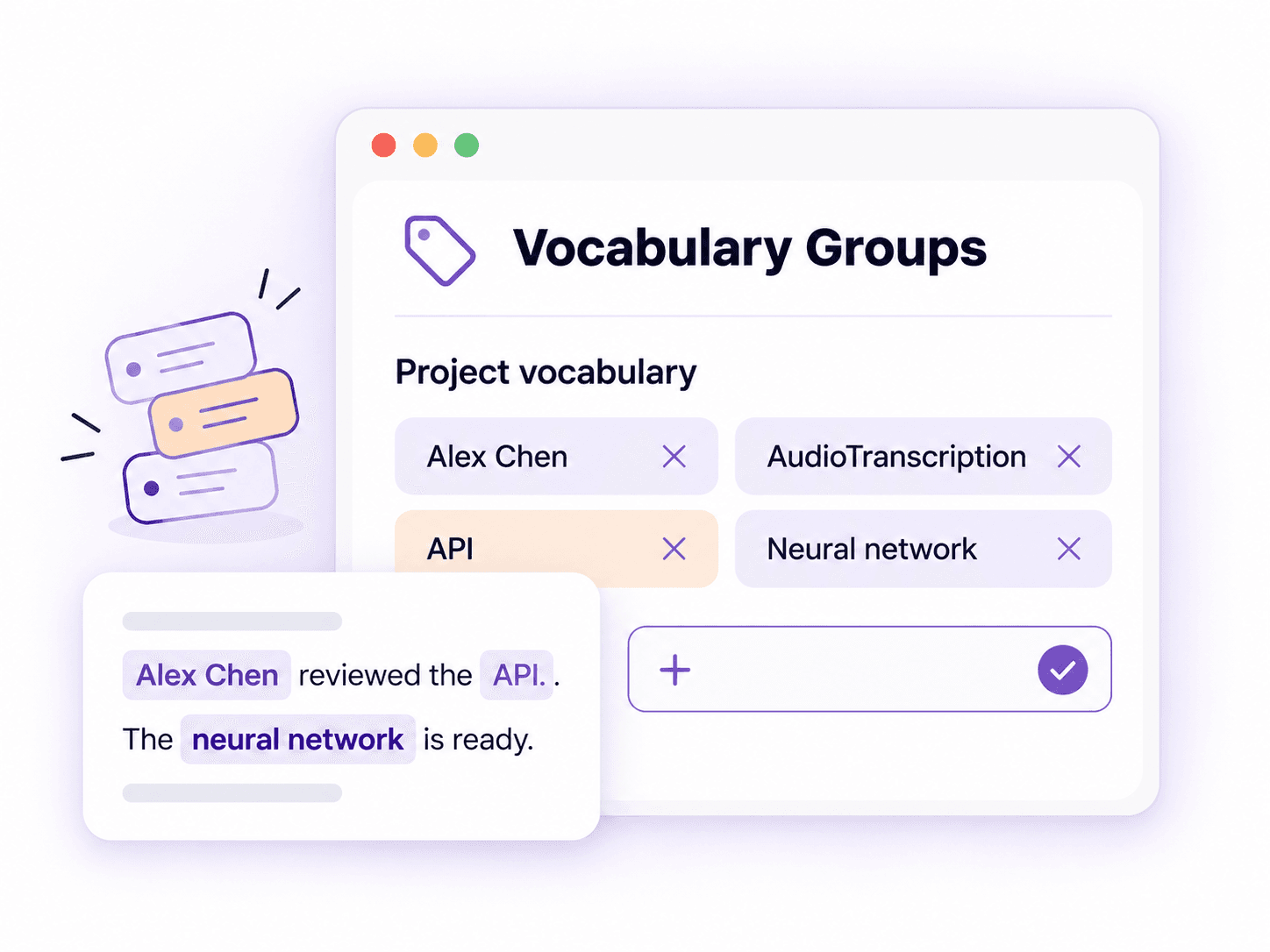
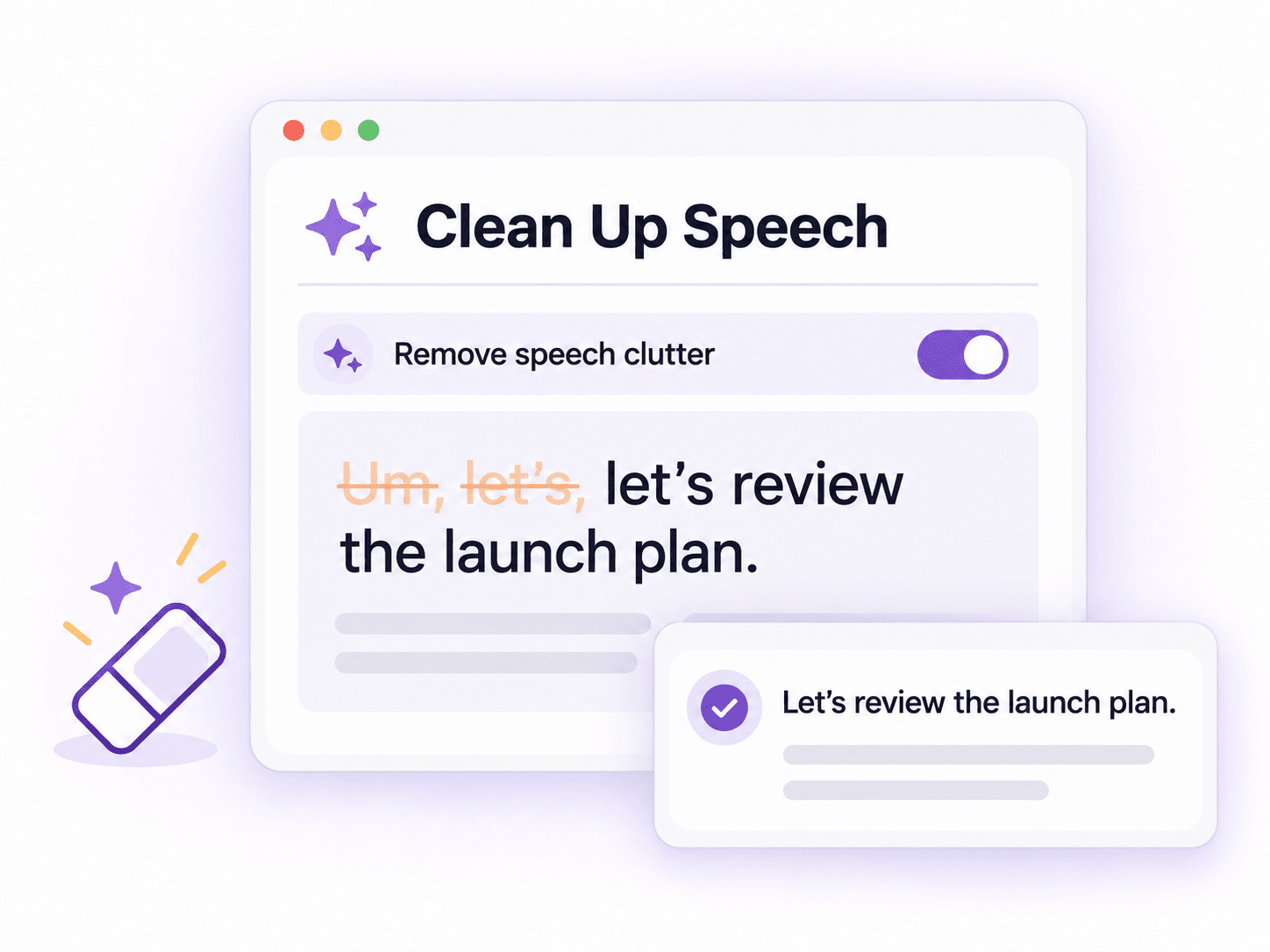
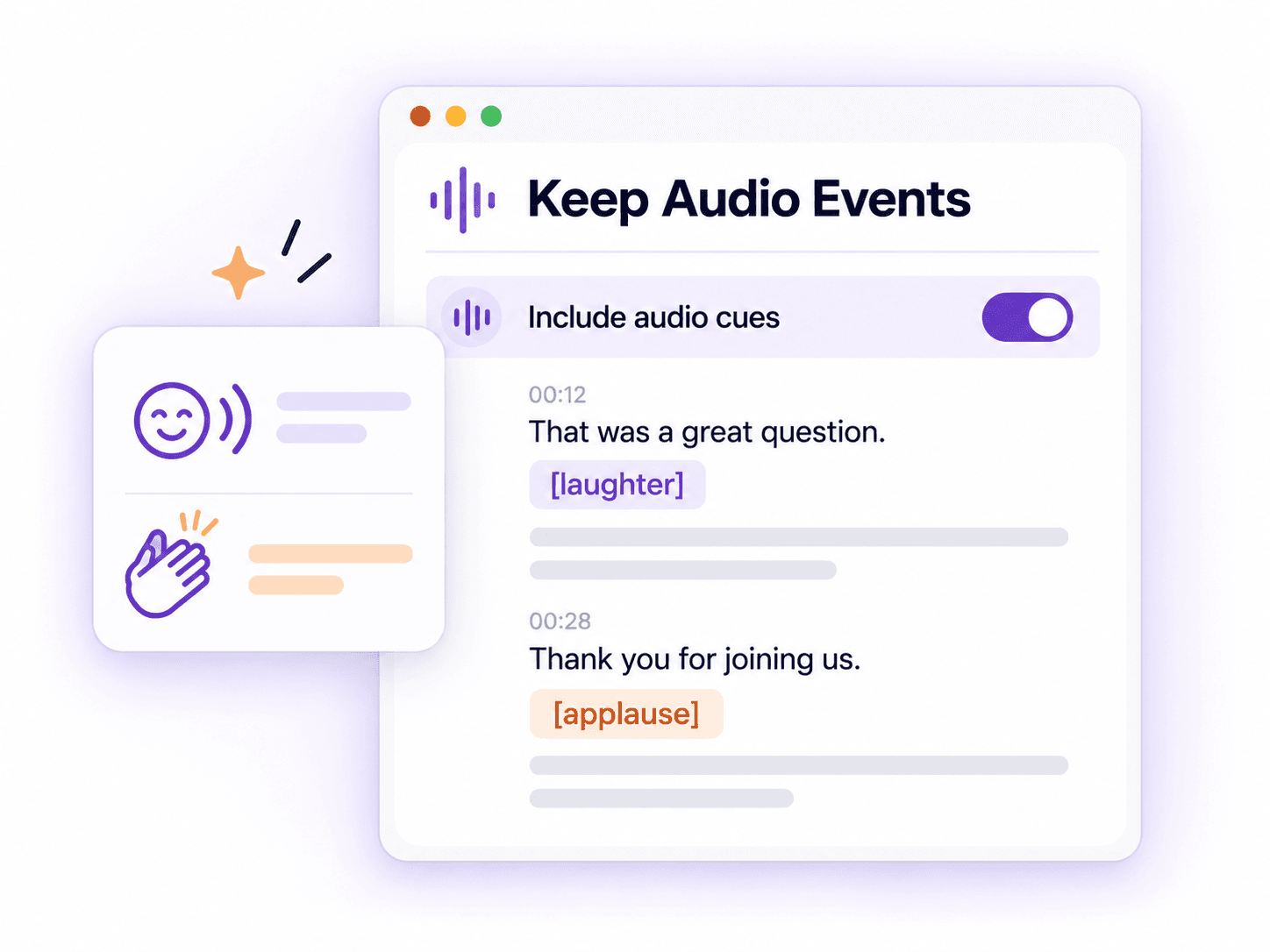
Our video to text converter lets you guide terminology, reduce speech clutter, and keep useful audio cues. Choose the settings you need before transcription.
Turn Long Videos into Summaries and Answers
Go beyond the transcript with our video to text converter. Review key takeaways, see how ideas connect, and ask questions about what was said.
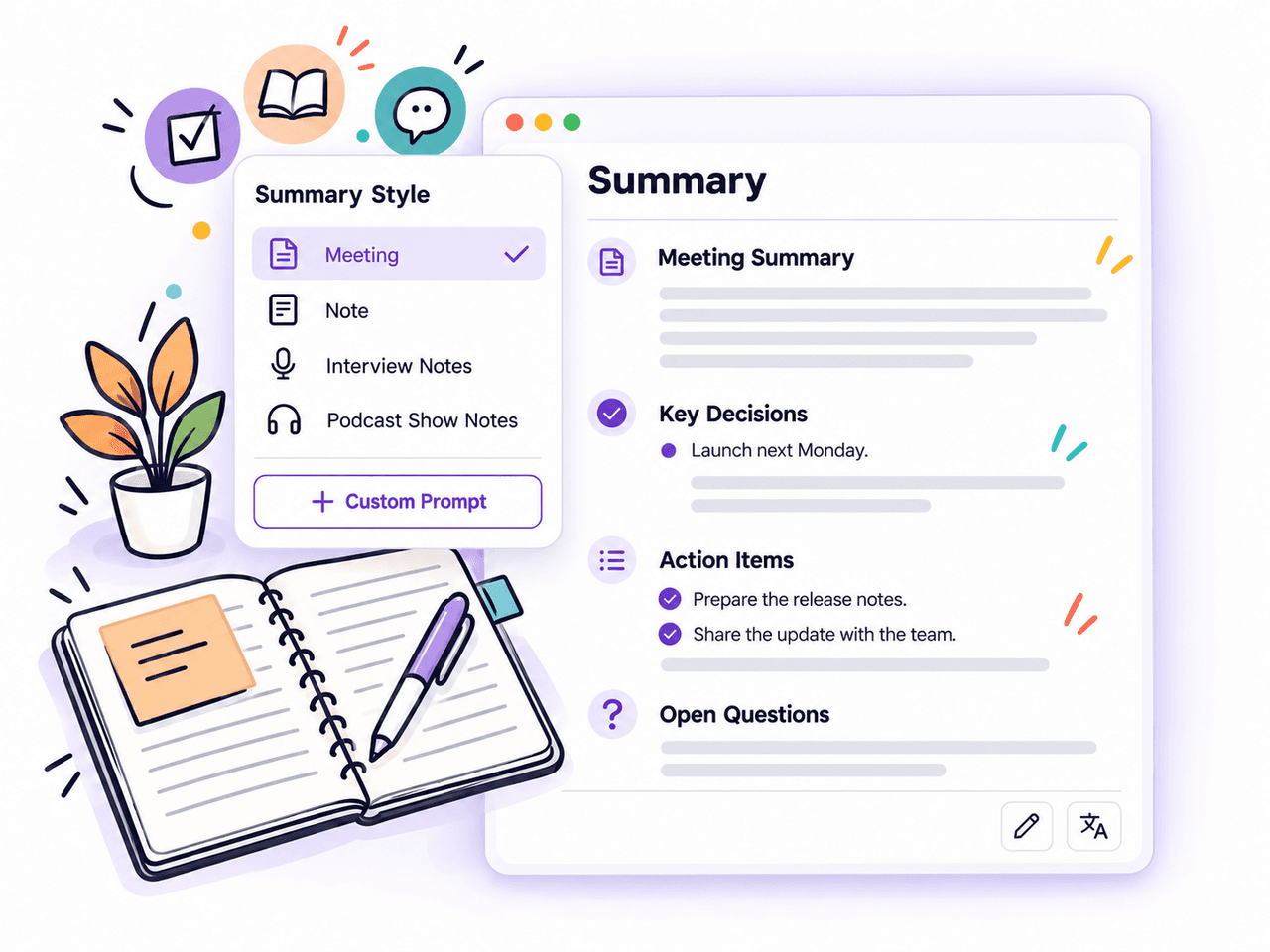
Review Key Points with AI Summaries
Choose from 16 summary styles, including Meeting, Note, and Core Points. Add a custom prompt to focus on decisions, study notes, or interview themes, then edit or translate the summary to suit your needs.
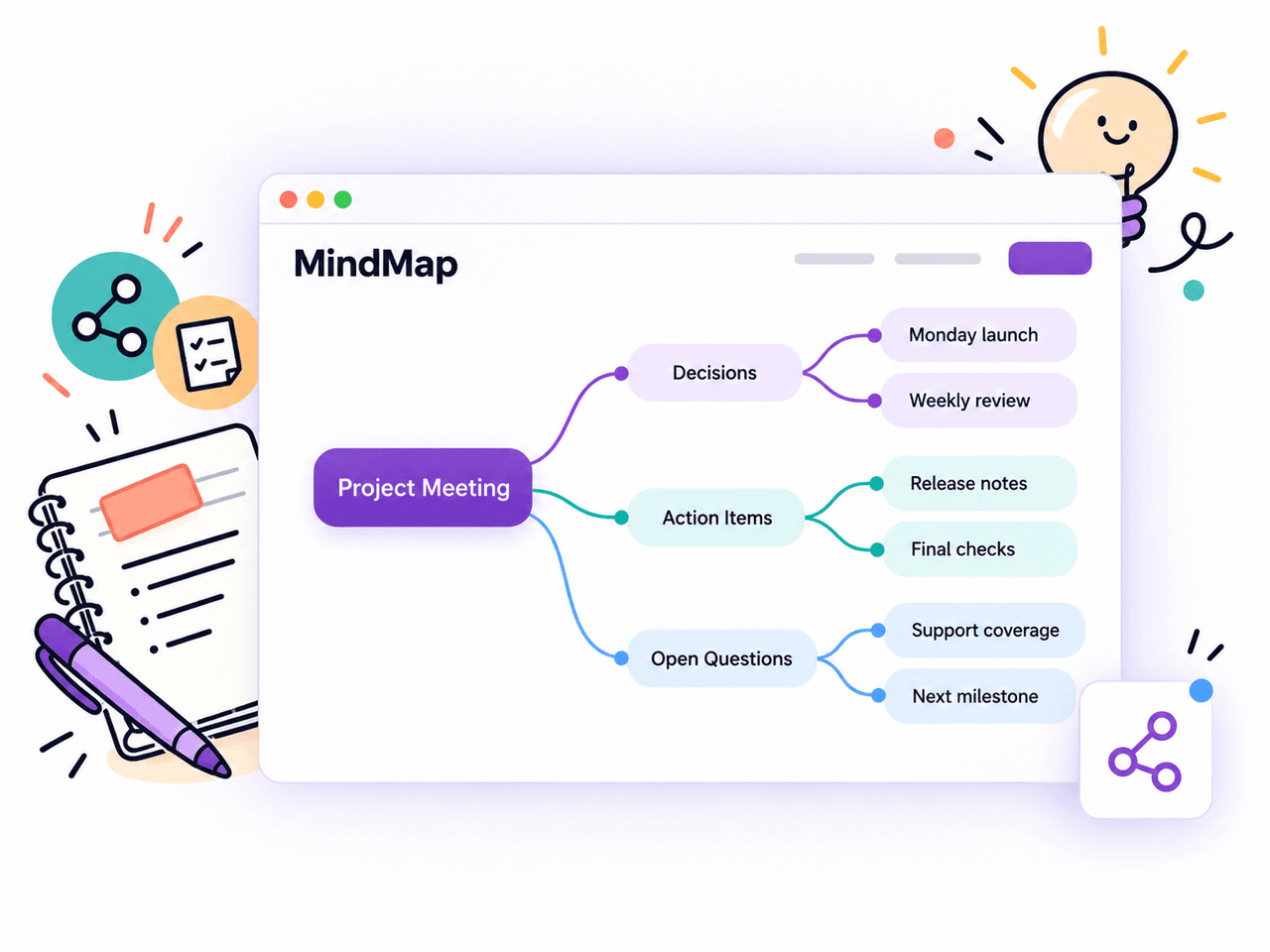
See Connected Ideas in a Mind Map
Turn the main topics of your video transcription into a visual overview. Follow related ideas and subtopics to organize lecture material, revisit meeting discussions, or identify themes in an interview.
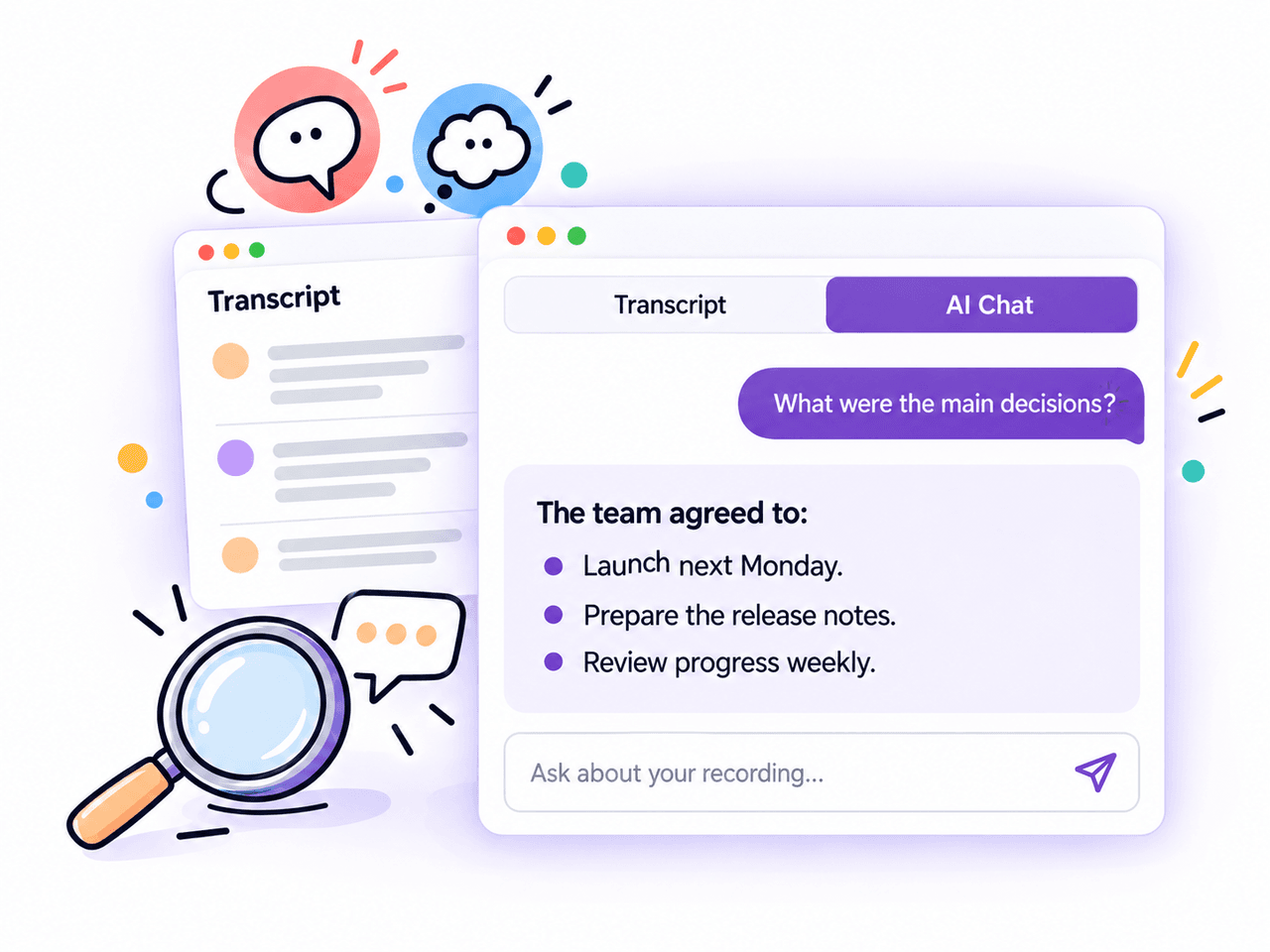
Ask Questions About Your Transcript
Ask AI Chat about decisions, explanations, or details in your video's spoken content. Get focused answers from the transcript, then check important points against the original recording.
Download Video Transcripts as Text or Subtitles
Our video to text converter lets you download text or subtitles for easy sharing and reuse.
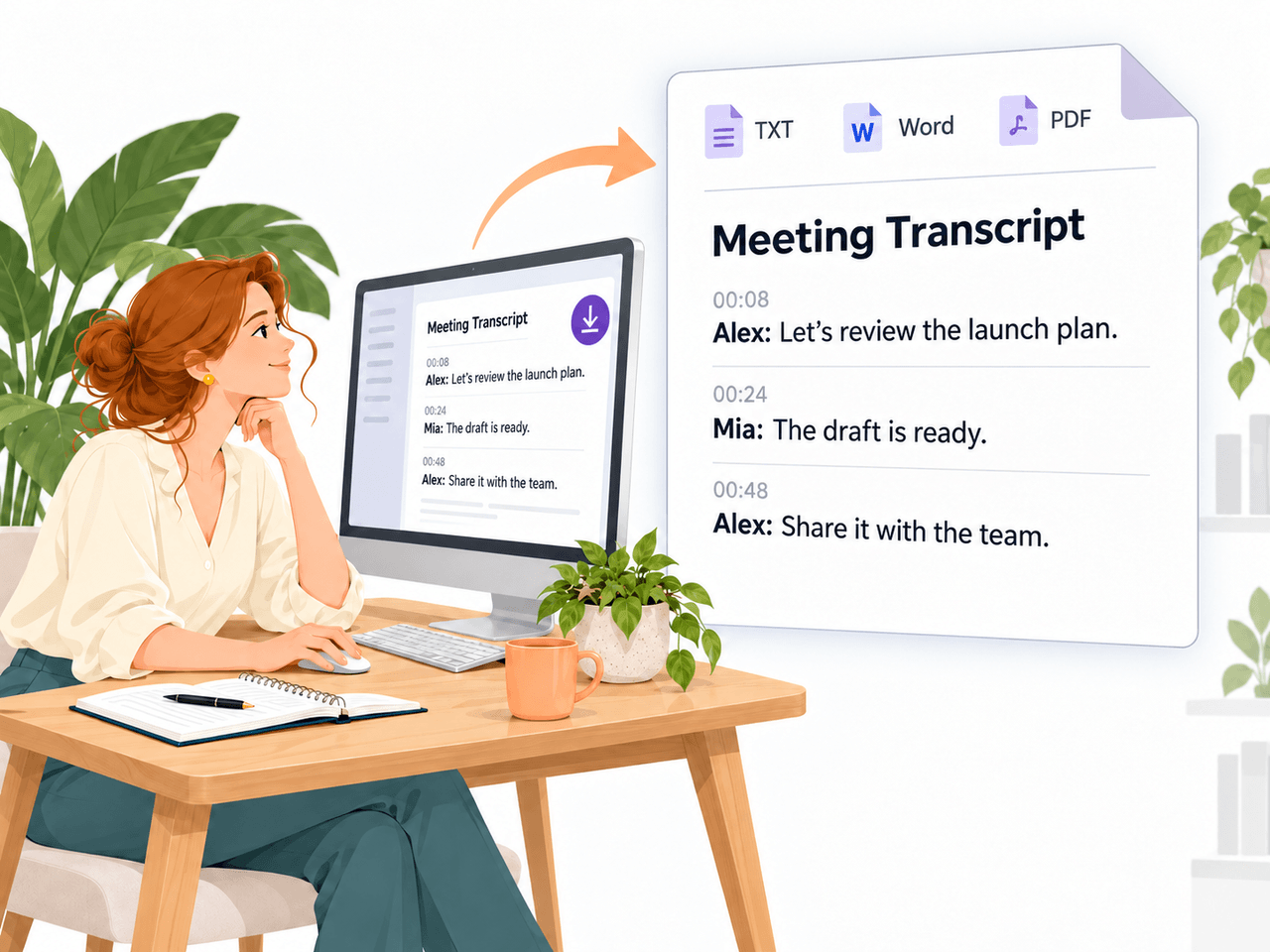
Documents for Notes and Sharing
Download your transcript as TXT, Word, or PDF. Use it for meeting records, study notes, interview references, or further editing in your preferred document app.
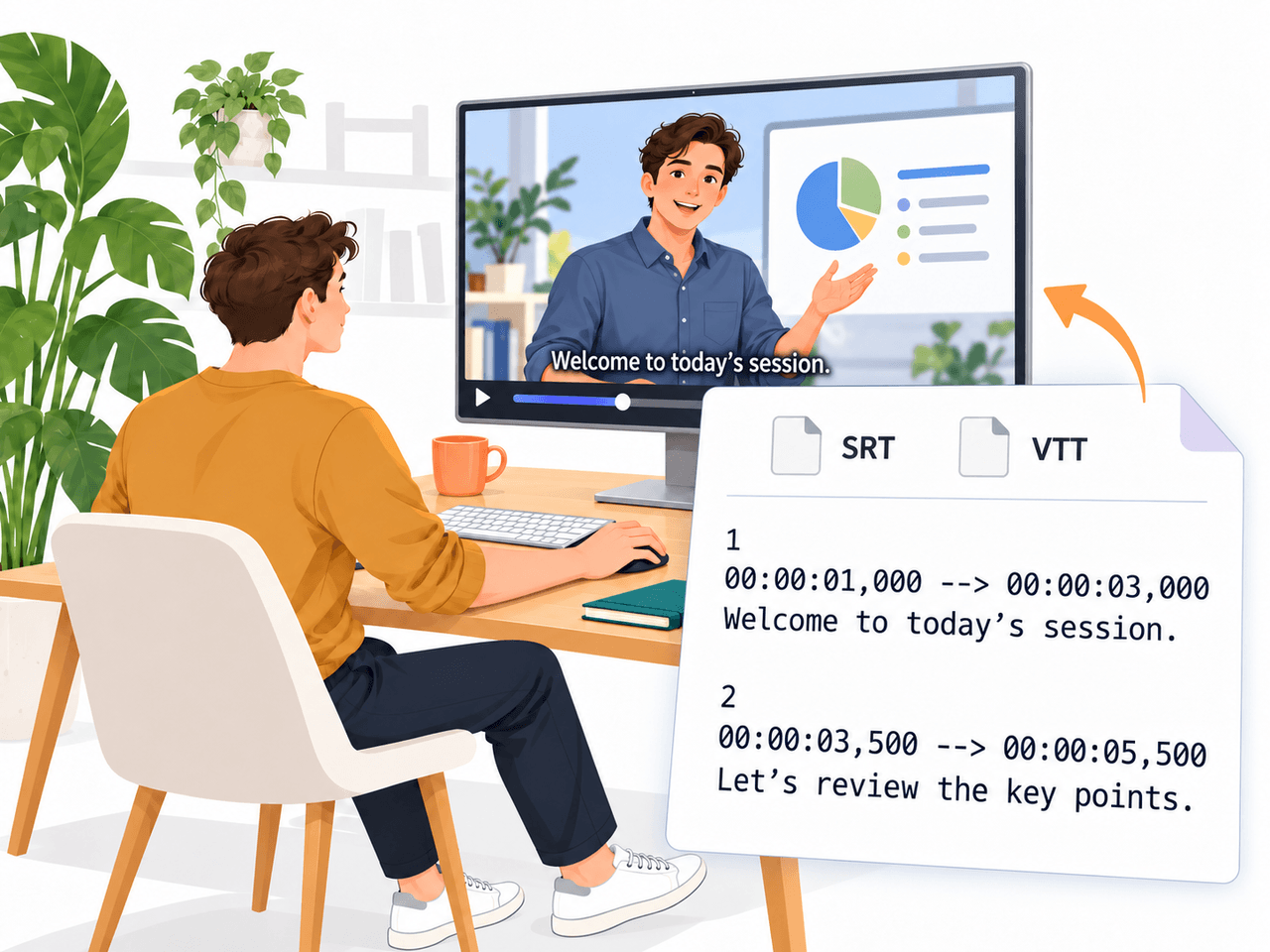
Subtitle Files for Your Videos
Export SRT or VTT subtitles with timestamps. Use the files with compatible video platforms, players, or editing tools to display captions during playback.
Video to Text Converter FAQs
Get Your Video Transcript for Free
Get accurate transcripts, AI summaries, and subtitles with our video to text converter. Sign in for up to 240 free minutes daily.
Convert Video to Text