

- Table of Contents
- The 8 Best AI Transcription Tools at a Glance
- The Best AI Transcription Tools in 2026
- How to Choose the Right AI Transcription Tool
- Frequently Asked Questions
- Conclusion
Table of Contents
- The 8 Best AI Transcription Tools at a Glance
- The Best AI Transcription Tools in 2026
- How to Choose the Right AI Transcription Tool
- Frequently Asked Questions
- Conclusion
8 Best AI Transcription Tools for Audio and Video (2026)
The best AI transcription tools can turn audio and video into searchable text, meeting notes, or subtitles. Some audio and video transcription tools focus on uploaded files and public links. Others capture live meetings or let you edit a recording by changing its transcript.
For free online audio and video transcription, Audio Transcription accepts audio and video uploads and public links from supported sites such as YouTube. Descript focuses on podcast and video editing, while Otter.ai and Fireflies.ai suit meeting workflows. Riverside brings recording and production together, and Rev offers separately priced human transcription services.
This guide brings together eight of the best AI transcription tools, with their standout features, free access, pricing, and practical limitations. The aim is to help you choose around the recording you have and the result you need.
The 8 Best AI Transcription Tools at a Glance
Start with the table below to find the best AI transcription tools for your needs, whether you want to transcribe existing recordings, capture live meetings, or create video subtitles.
| Tool | Best For | Free Access | Starting Price | Standout Feature |
|---|---|---|---|---|
| Audio Transcription | Free online audio and video transcription | Up to 240 free minutes per day after signing in | Free | Upload audio or video files, or paste supported public links |
| Descript | Podcast and video editing | 1 media hour per month | $16/person/month, billed annually | Edit the recording by editing its transcript |
| Otter.ai | Live meetings and interview notes | 300 minutes per month, with limits on session length and file imports | $8.33/user/month, billed annually | Live transcription and searchable meeting notes |
| Fireflies.ai | Sales and team meetings | Free plan. Unlimited transcription for eligible meetings with Auto-join enabled. | $10/seat/month, billed annually | Searchable meeting transcripts, summaries, and team integrations |
| Riverside | Remote interviews and content production | Free standalone web transcriber | Free web transcriber. Paid production plans available. | Record, transcribe, and edit in one workspace |
| Rev | AI and human transcription options | 45 minutes of AI transcription and captioning per month | Essentials: $25.49/seat/month, billed annually | Human transcription available as a separate paid service |
| Sonix | Multilingual audio and video files | 30-minute free trial | $10/hour, pay as you go | File transcription with an online editor and translation tools |
| Notta | Multilingual meeting notes | 120 minutes per month, up to 3 minutes per conversation | $8.17/month, billed annually | Meeting capture, file transcription, and multilingual support |
The Best AI Transcription Tools in 2026
1. Audio Transcription — Best for Free Online Audio and Video Transcription
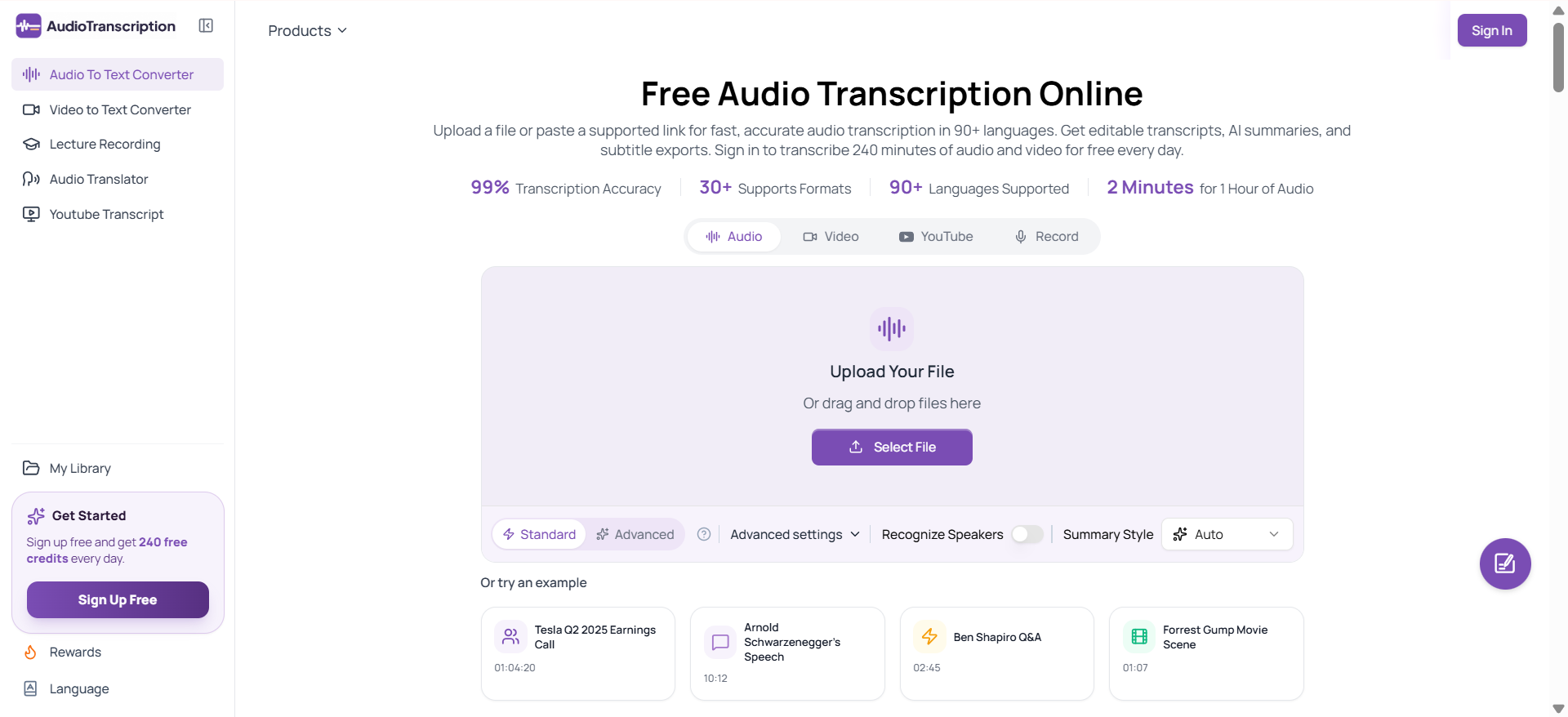
Audio Transcription lets you turn audio and video recordings into editable text for free. You can upload a file or paste a supported public link, including YouTube videos and content from other supported platforms.
Whether you are working with a lecture, an interview, or a video presentation, the process is straightforward: add your file or link and generate the transcript. Timestamps and speaker labels make it easier to find specific moments and follow the conversation.
✅ Key features
- Transcribes audio and video in more than 90 languages.
- Provides editable transcripts with timestamps and optional speaker labels.
- Includes AI summaries, mind maps, AI Chat, and transcript translation.
- Exports TXT, Word, PDF, SRT, and VTT files.
For anyone exploring the best AI transcription tools for everyday recordings, the appeal is having transcription and follow-up tasks together. Once your transcript is ready, you can translate it, choose from 16 AI summary styles, create a mind map, or ask questions about the recording in AI Chat. You can then export the transcript as TXT, Word, or PDF, or download SRT or VTT subtitles, all from the same workspace.
💰 Free access and pricing
Free to use. No sign-up required to get started. Sign in for up to 240 free transcription minutes per day.
For free online audio transcription, upload an audio or video file or paste a supported public link.
2. Descript — Best for Editing Podcasts and Videos
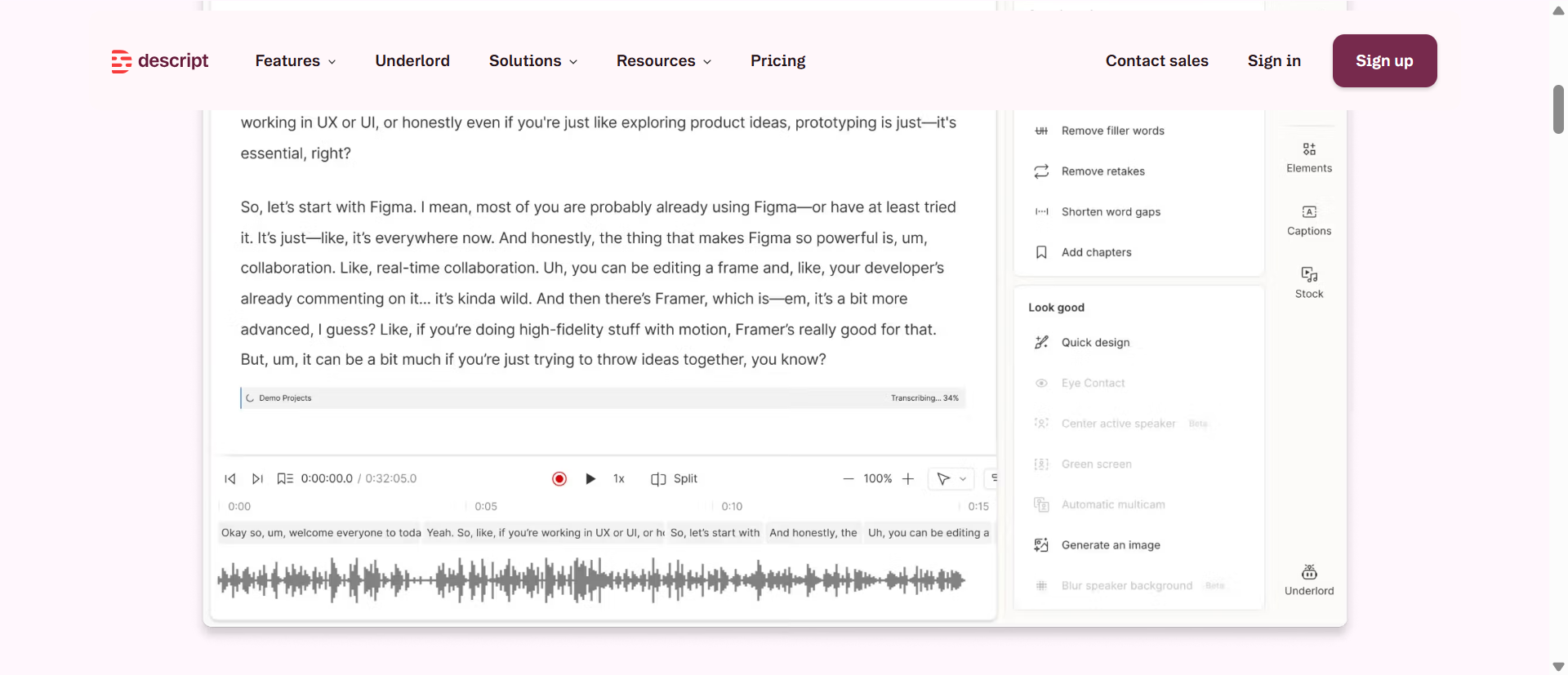
Descript is built for people who want to keep working on the recording after transcription. Its standout feature is text-based media editing: deleting or moving words in the transcript can change the audio or video itself.
That is useful when an interview needs trimming, an episode needs restructuring, or a tutorial needs captions before publication. The transcript becomes part of the editing process.
✅ Key features
- Edits audio and video through the transcript.
- Creates captions from spoken content.
- Offers tools for removing filler words and improving audio.
- Combines transcription with a broader production workspace.
Among the best AI transcription tools, Descript is particularly relevant when your final deliverable is an edited episode or video.
💰 Free access and pricing
The free plan includes one media hour per month. Hobbyist costs $16 per person/month with annual billing, or $24 with monthly billing.
⚠️ Keep in mind
Media hours and AI feature allowances are separate. If you only need a written transcript, you may not use much of its editing toolkit.
3. Otter.ai — Best for Live Meetings and Interview Notes
Otter.ai centers on conversations as they happen. It offers live transcription, speaker identification, searchable notes, and meeting workflows for Zoom, Microsoft Teams, and Google Meet.
It suits the familiar problem of remembering that someone discussed a deadline without remembering exactly when. Searchable conversations make it easier to revisit that detail after the call.
✅ Key features
- Captures live speech as text.
- Organizes conversations with speaker labels.
- Generates summaries and meeting notes.
- Lets you search previous discussions.
Otter is useful for live meetings when you need to look up what someone said after the call.
💰 Free access and pricing
Basic includes 300 transcription minutes per month. Pro's standard annual price is $8.33 per user/month, while the monthly plan costs $16.99 per user per month.
⚠️ Keep in mind
Basic limits each conversation to 30 minutes and includes three lifetime audio or video file imports. It is worth checking those limits if you primarily upload recordings.
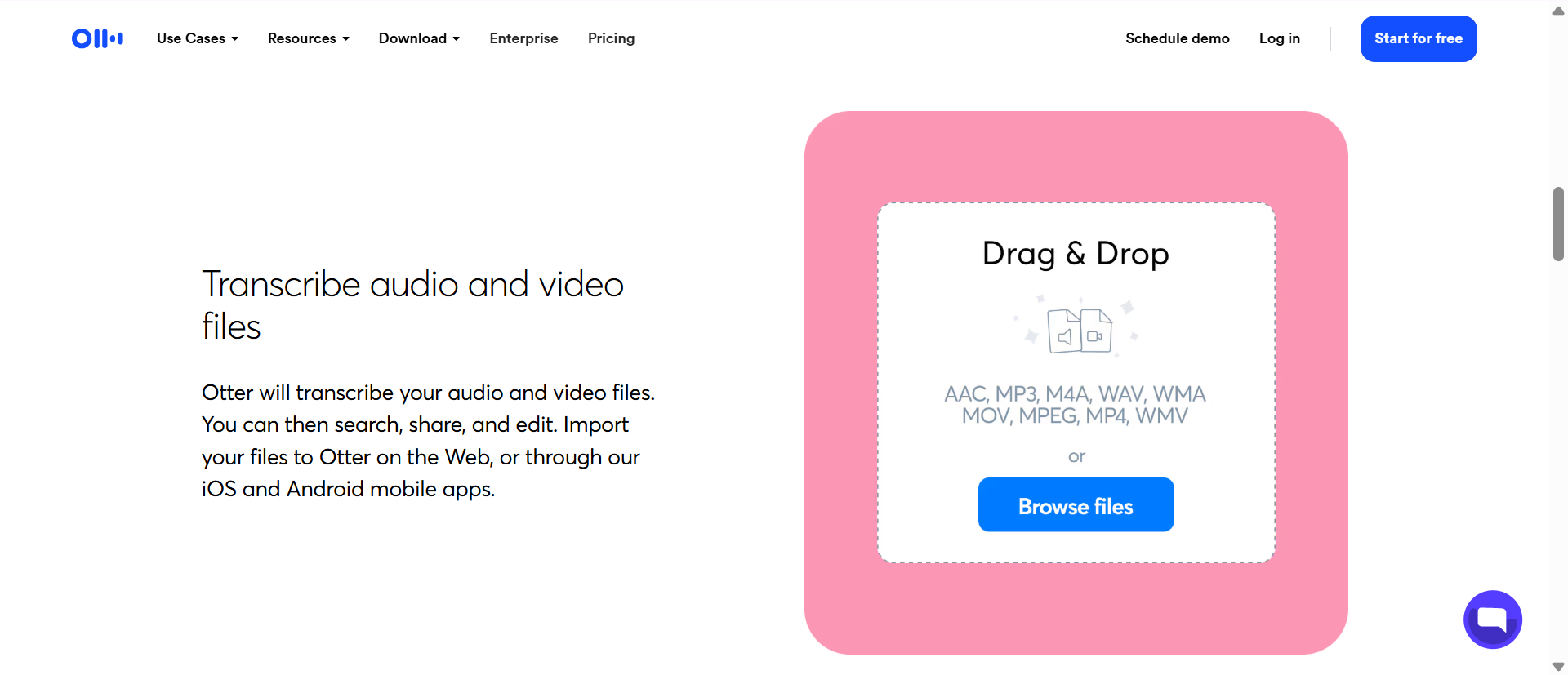
4. Fireflies.ai — Best for Sales and Team Meetings
Fireflies.ai focuses on capturing meetings and making the discussion useful across a team. Transcripts, summaries, search, and integrations help colleagues revisit calls and carry information into their usual workflows.
For a sales or customer success team, this can mean finding an objection from a previous call or reviewing the next steps without replaying the whole conversation.
✅ Key features
- Captures meetings across supported conferencing platforms.
- Provides searchable transcripts and summaries.
- Connects meeting information with team tools and CRMs.
- Supports shared access to recorded discussions.
When evaluating the best AI transcription tools for team follow-up, its connected meeting workflow is the main reason to consider it.
💰 Free access and pricing
A free plan is available. Pro starts at $10 per seat/month with annual billing.
⚠️ Keep in mind
Unlimited free meeting transcription depends on eligible Auto-join settings. Storage and AI features have separate limits, and transcript downloads require a paid plan.
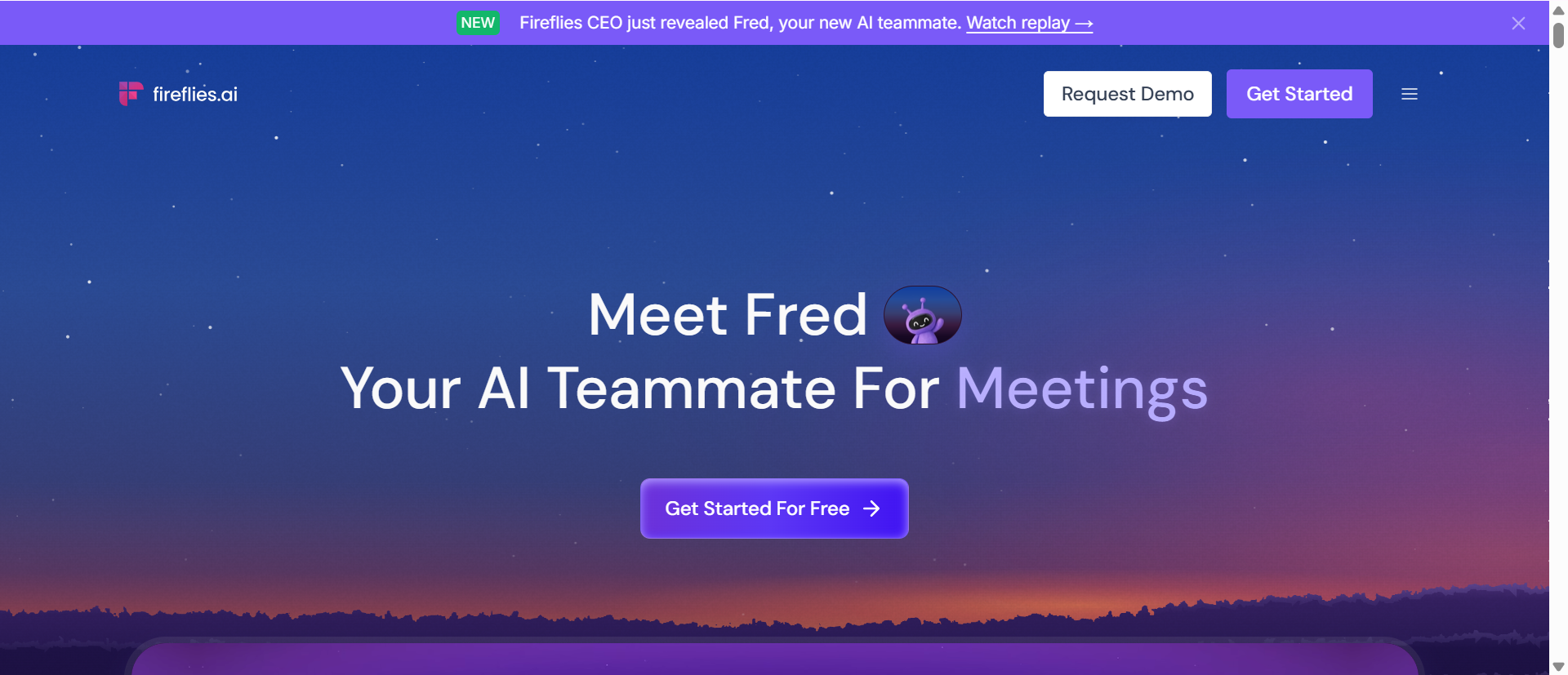
5. Riverside — Best for Recording and Transcribing Remote Interviews
Riverside is worth considering when the recording itself is part of the job. Its broader workspace brings remote recording, transcription, editing, and content production together.
A podcast host can record an interview and use the resulting transcript during editing. That keeps the text connected to the media instead of treating transcription as a separate final step.
✅ Key features
- Records remote audio and video.
- Generates transcripts for recorded content.
- Supports text-based editing and caption workflows.
- Offers a separate browser-based transcriber for uploaded files.
Riverside lets you record remote interviews, edit the footage, and generate transcripts in one workspace.
💰 Free access and pricing
Its standalone web transcriber is advertised as free, unlimited, and available without signing up. The production workspace has separate paid subscriptions.
⚠️ Keep in mind
The free web transcriber and the production workspace are different offerings. The standalone tool accepts MP3, WAV, MP4, and MOV files; free transcription does not include every paid production feature.
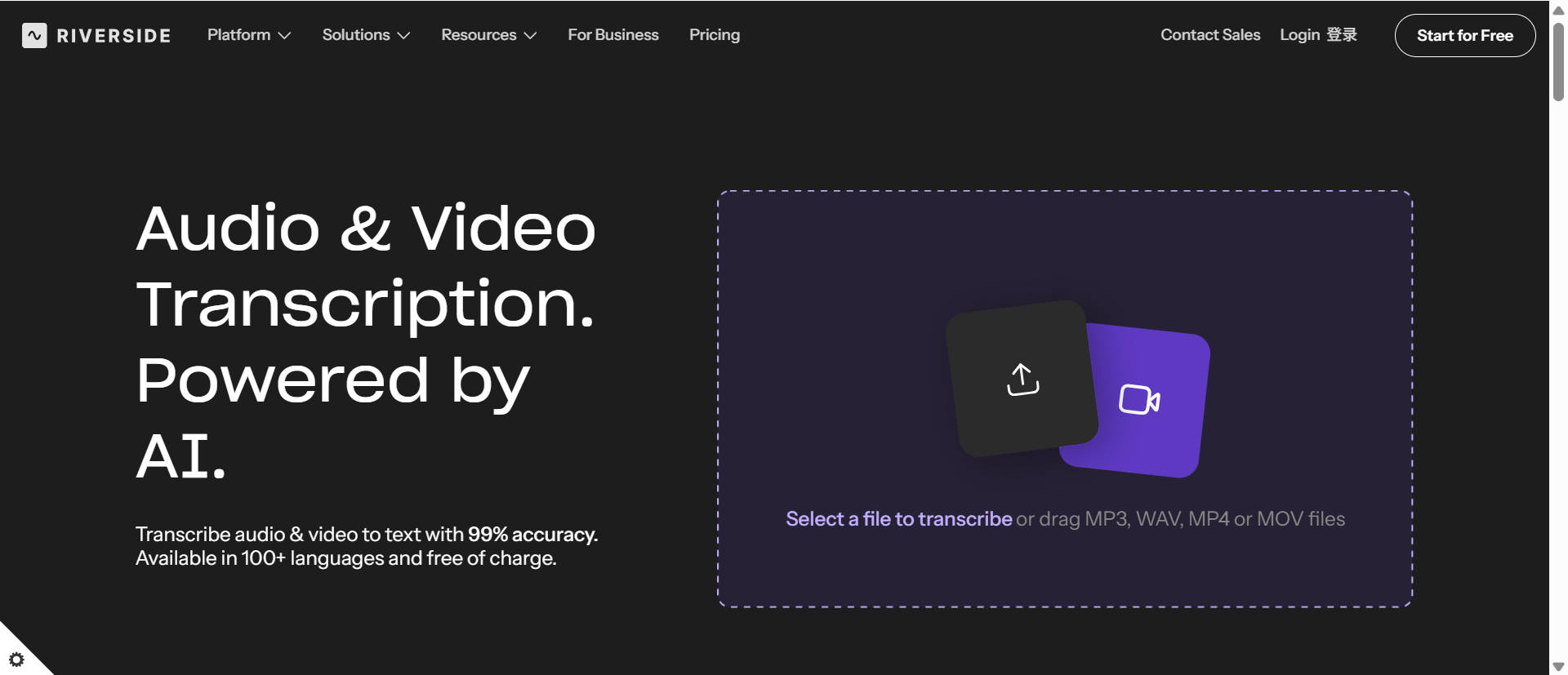
6. Rev — Best for AI and Human Transcription Options
Rev offers automated transcription alongside separately priced human transcription services. That gives you options when some recordings only need a quick draft while others require professional transcription.
The distinction is important: ordering a human transcript is a different service from generating an AI transcript and reviewing it yourself.
✅ Key features
- Provides AI transcription for audio and video.
- Includes a workspace for reviewing transcripts.
- Offers human transcription as a separate service.
- Supports transcription and captioning workflows.
Rev belongs on a shortlist of the best AI transcription tools when access to human services is part of your decision.
💰 Free access and pricing
Free includes 45 AI transcription and caption minutes per month. Essentials costs $29.99 per seat with monthly billing, or $305.90 per seat annually, approximately $25.49 per month. Human transcription starts at $1.99 per minute.
⚠️ Keep in mind
Free-plan transcription is English-only. Human services have separate fees and turnaround times, so select the service that matches the document you need.
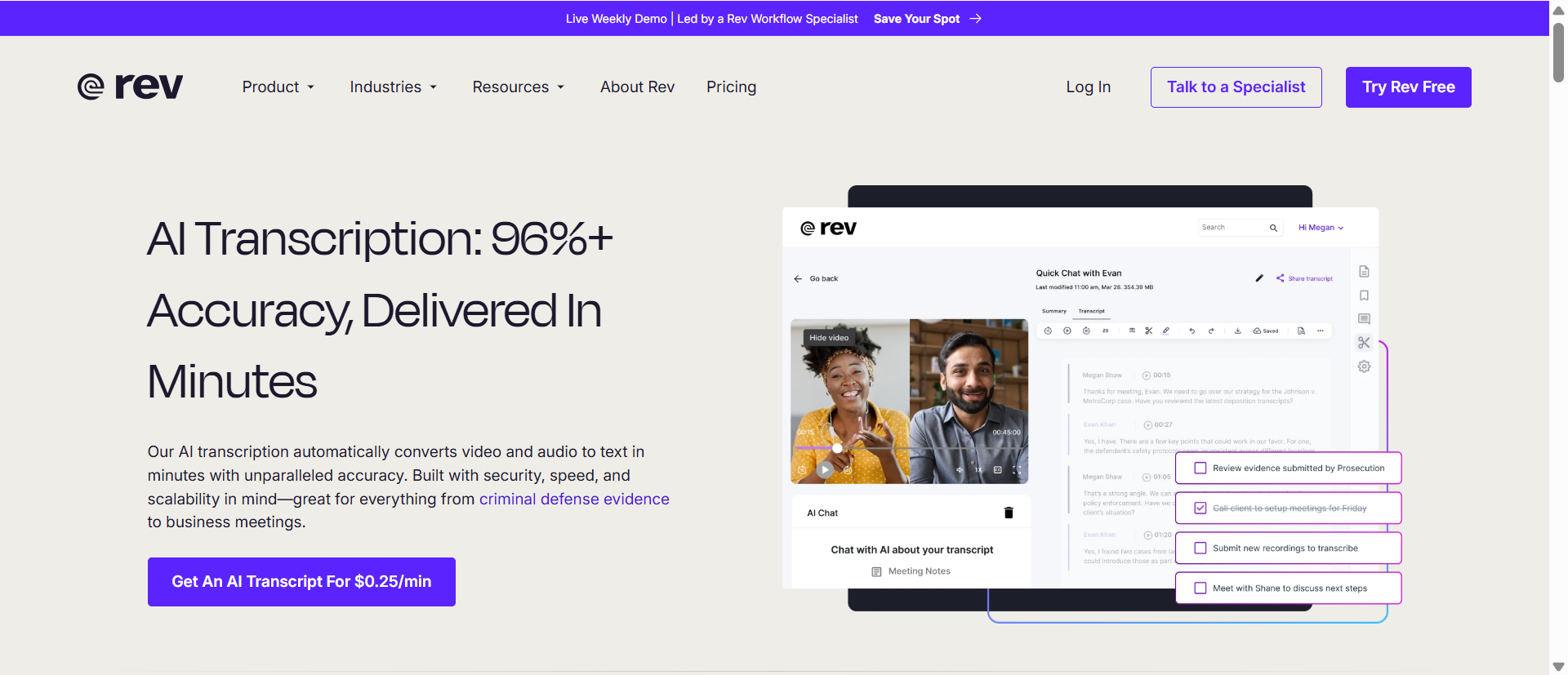
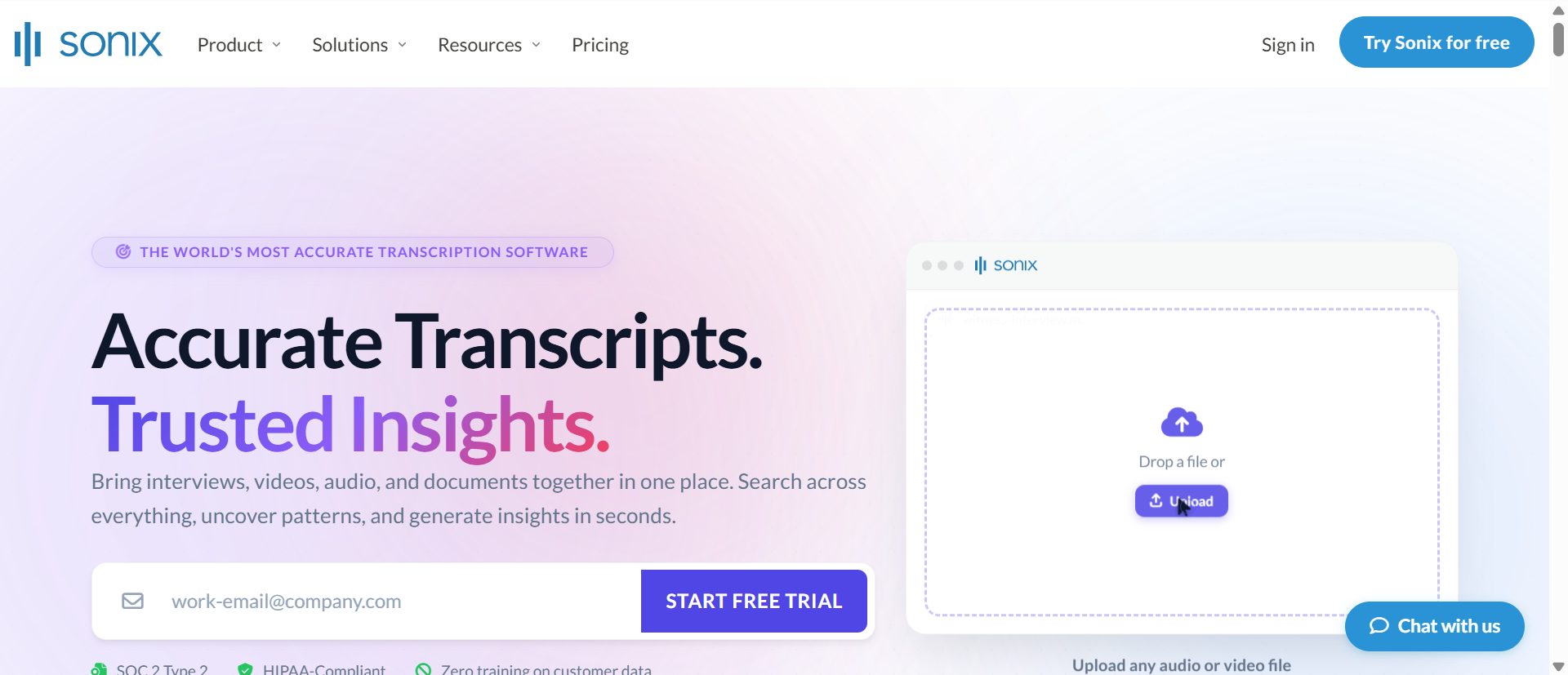
7. Sonix — Best for Multilingual Audio and Video Files
Sonix focuses on turning uploaded recordings into transcripts you can edit, translate, and reuse. It suits a regular stream of interviews, research recordings, or multilingual media files.
The browser-based editor keeps the text and recording connected while you review the result. That is useful when you need to verify a quotation or correct specialist vocabulary.
✅ Key features
- Transcribes uploaded audio and video.
- Provides a browser-based transcript editor.
- Supports multilingual transcription and translation.
- Includes transcript and subtitle export workflows.
For file-based work, Sonix is among the best AI transcription tools to investigate if you want an alternative to a meeting-first app.
💰 Free access and pricing
There is a 30-minute free trial. Pay-as-you-go transcription costs $10 per hour. Core costs $25 per month and includes five hours of transcription and translation.
⚠️ Keep in mind
The free allowance is a trial. Extra hours and additional team seats can increase subscription costs.
8. Notta — Best for Multilingual Meeting Notes
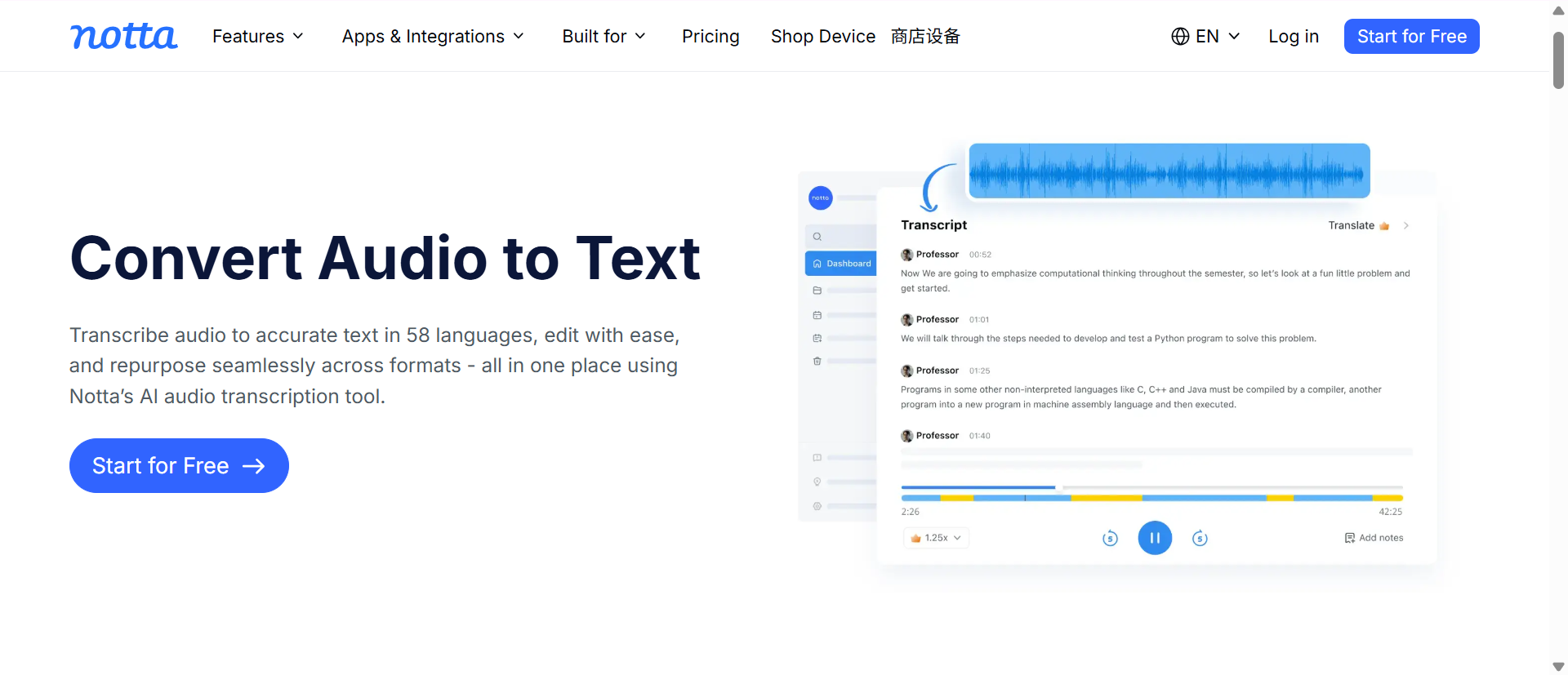
Notta combines meeting capture, uploaded-file transcription, speaker identification, and AI notes. It is aimed at turning meetings, interviews, and other conversations into material you can search and review.
Its multilingual features are relevant when you work across languages. Check the distinction between recognizing the spoken language, translating a transcript, and translating a live conversation.
✅ Key features
- Captures and transcribes supported online meetings.
- Accepts uploaded audio and video.
- Includes speaker identification and AI summaries.
- Offers transcription and translation features with plan-dependent access.
Notta is a good fit for teams that need searchable meeting notes in multiple languages.
💰 Free access and pricing
Free includes 120 transcription minutes per month. Pro costs $97.99 annually, equivalent to approximately $8.17 per month.
⚠️ Keep in mind
The free plan allows up to three minutes per conversation. Transcript exports are included in Pro, and some translation features have separate allowances or add-ons.
How to Choose the Right AI Transcription Tool
The best transcription software should match the task you want to finish. These three situations offer a quick way to narrow down the best AI transcription tools.
For Audio and Video Files or Public Links
For free file and link transcription, Audio Transcription is one of the best AI transcription tools to consider. Upload audio or video files, or paste supported public links, including YouTube and other supported sources. You can convert video to text, review timestamps and speaker labels, and export text or subtitles. Sonix is another option for uploaded multilingual files if you prefer pay-as-you-go pricing.
For Meetings and Interviews
For live conversations, the best AI transcription tools to shortlist include Otter.ai for meeting notes, Fireflies.ai for team follow-up, and Notta for multilingual meeting notes. If you already have the recording, Audio Transcription can turn it into editable text with speaker labels and an AI summary, making it useful for reviewing interviews or meeting discussions afterward.
For Podcasts and Video Content
Choose Descript if you want to cut or rearrange media through its transcript. Choose Riverside if you also need to record remote guests. If your recording is ready and you mainly need transcripts, AI summaries, or subtitle files, Audio Transcription brings these features together in one workspace.
💡 Accuracy tip: Before settling on a tool, check a short clip containing the names, technical terms, or overlapping speech found in your recordings. Even the best AI transcription tools need review before you publish important quotations.
Frequently Asked Questions
Are There Any Free AI Transcription Tools?
Yes. Audio Transcription offers free online audio and video transcription. You can upload files or paste supported public links, and sign in for up to 240 free transcription minutes per day.
Can AI Transcription Tools Identify Different Speakers?
Yes. Audio Transcription can identify different speakers and add speaker labels to the transcript. Enable speaker recognition before starting transcription to make interviews, meetings, and other conversations easier to follow. Review the labels when people interrupt one another or have similar voices.
How Accurate Are AI Transcription Tools?
Accuracy depends on recording quality, background noise, accents, overlapping speech, and specialist vocabulary. The best AI transcription tools can still make mistakes, so check names, numbers, and quotations against the recording. Audio Transcription provides vocabulary guidance and timestamped playback to help you review important details.
Can I Export Transcripts as Text or Subtitles?
Yes. Audio Transcription supports TXT, Word, and PDF for written transcripts, plus SRT and VTT for timed subtitles. Choose a document format for notes and sharing, or a subtitle format for use with compatible video players and editing tools.
Conclusion
The best AI transcription tools serve different needs: free file and link transcription, live meeting notes, media editing, or access to human services. Choose around your main task, check the free allowance and export options, and review the details that matter before using the final transcript.